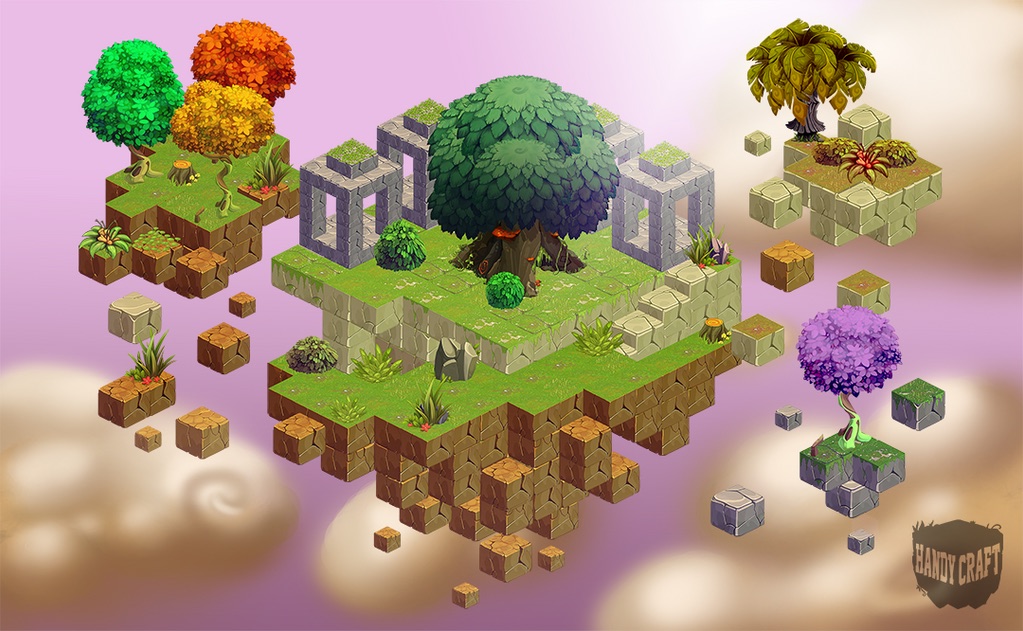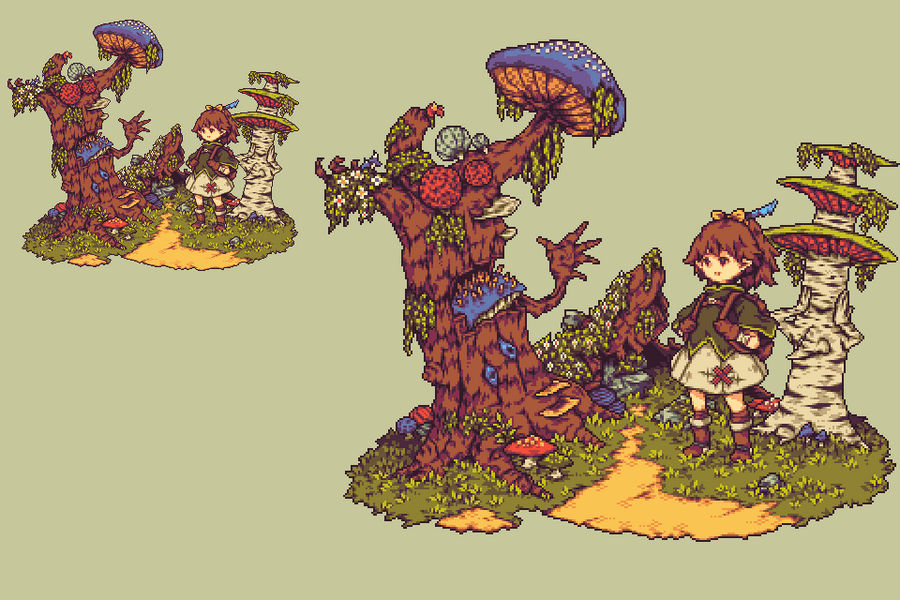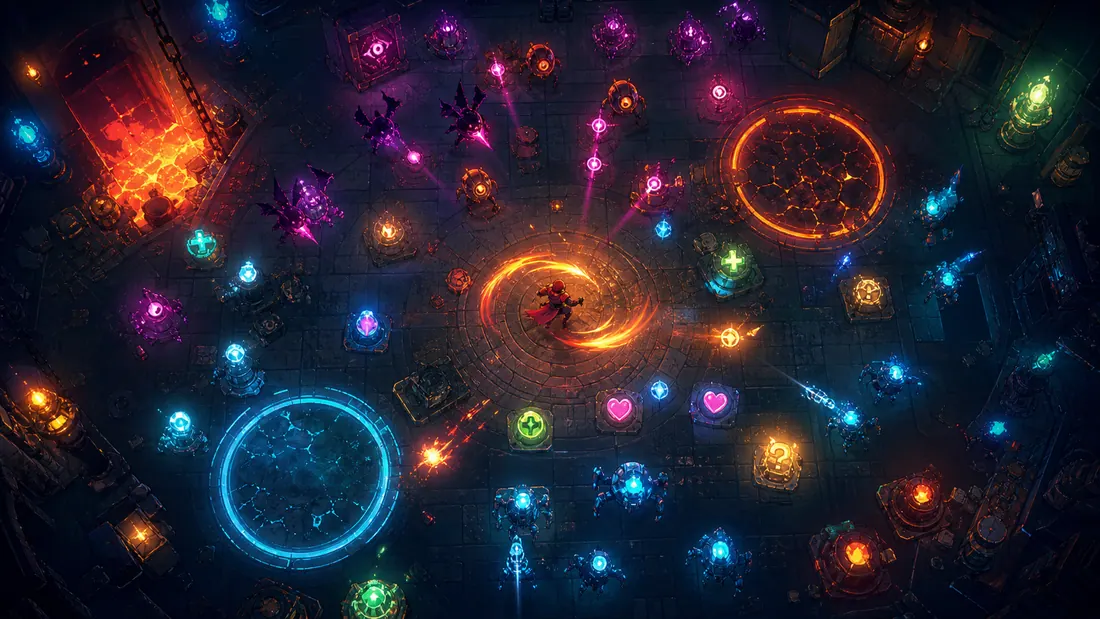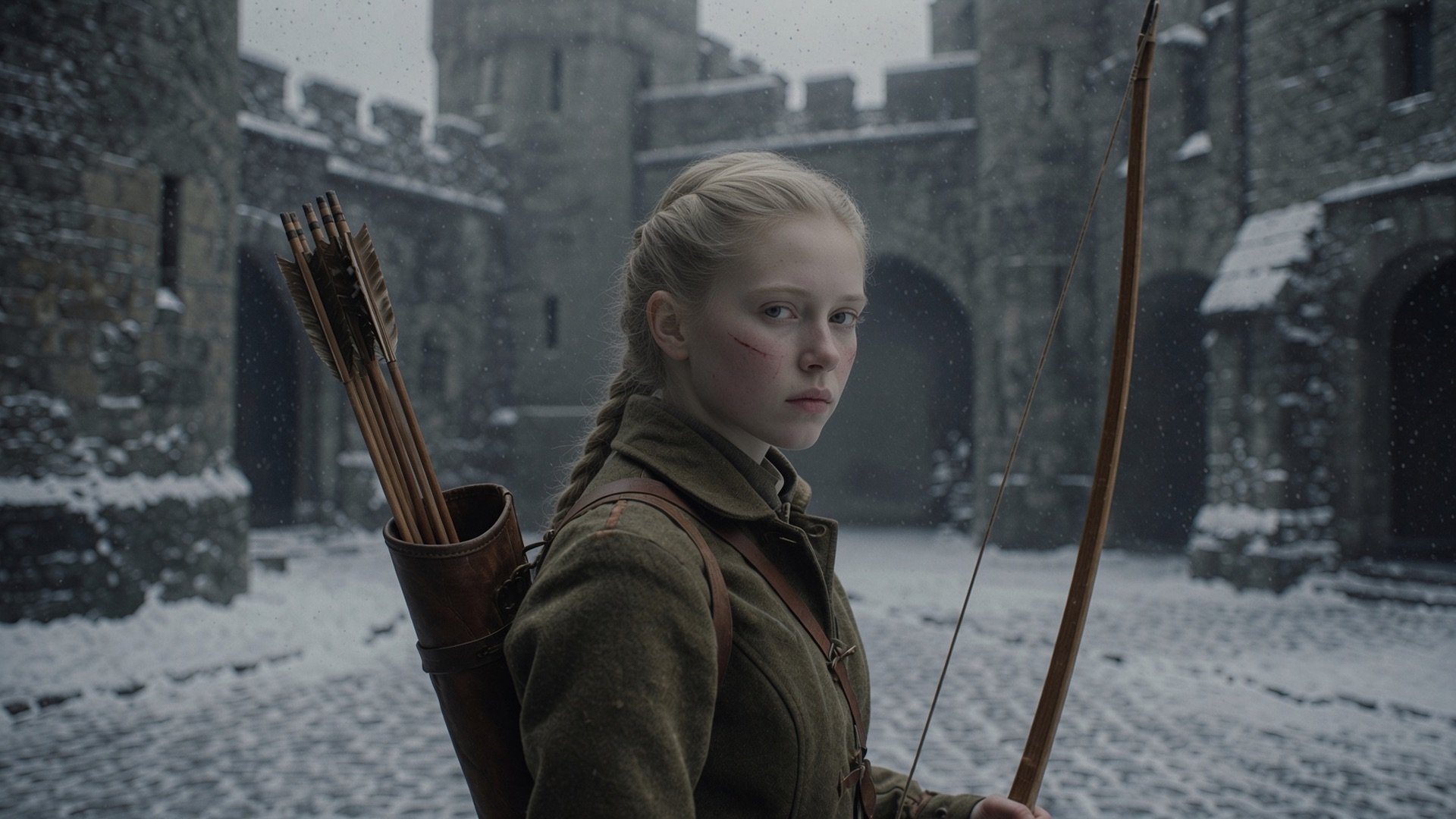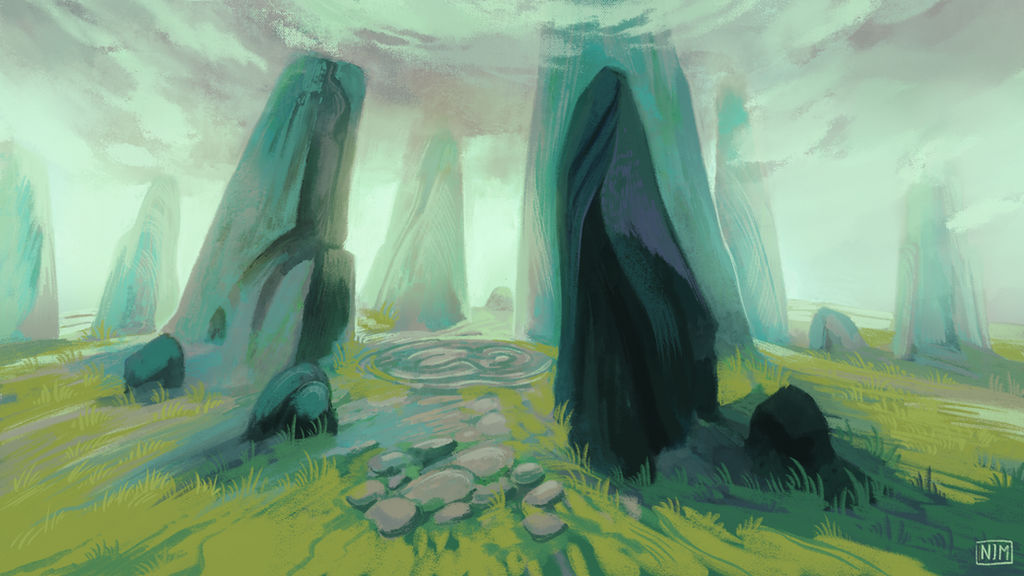
The first AI-generated character portrait can look excellent and still create a production problem. The next pose may change the face, the next environment may use a different lighting logic, and the store image may drift into a visual genre that no longer resembles the game.
The usual response is to keep rewriting the prompt. That can improve an individual image, but it does not create a system. A game needs hundreds of related decisions to remain recognizable across characters, props, locations, UI, effects, and marketing art.
A consistent pipeline makes those decisions explicit. It defines what cannot change, what may vary, how references are used, how batches are reviewed, and how approved generations become named production assets instead of disappearing into a folder of experiments.
Quick read
Key takeaways
- A prompt is an instruction for one generation; an art bible is the shared rule set for the whole game.
- Separate identity, style, composition, and production constraints so you can change one variable without destabilizing the others.
- Generate small controlled batches and review them with the same scorecard before adding any image to the approved library.
- Store approved palettes, references, prompts, negative constraints, and asset metadata together so later work can reproduce the decision.
Consistency Is a Production System, Not a Better Prompt
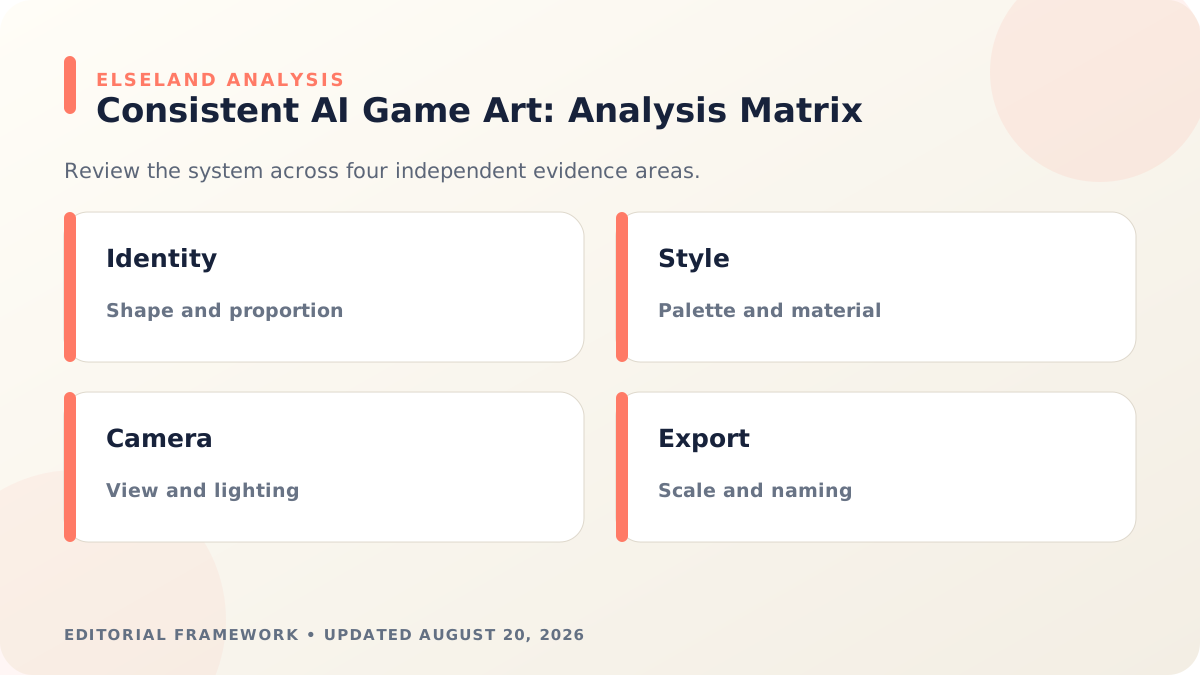
Visual consistency has several layers. Identity consistency keeps a character or object recognizable. Style consistency preserves shape language, rendering medium, edge treatment, and texture. World consistency aligns architecture, materials, weather, and technology. Production consistency ensures every approved file uses the dimensions, transparency, naming, and export rules the game expects. Verify the implementation detail against the current Adobe Firefly style reference guide before locking the production rule.
A single reference image rarely controls all four. Decide which layer has failed before generating again. If a character's face changes, adjust identity controls; if the face is stable but the painting style drifts, adjust the style reference; if both are correct but the pose is unusable, change composition without replacing the other anchors.
This separation also makes review more objective. The question stops being “Do we like it?” and becomes “Does it preserve the approved identity, style, world logic, and technical requirements?”
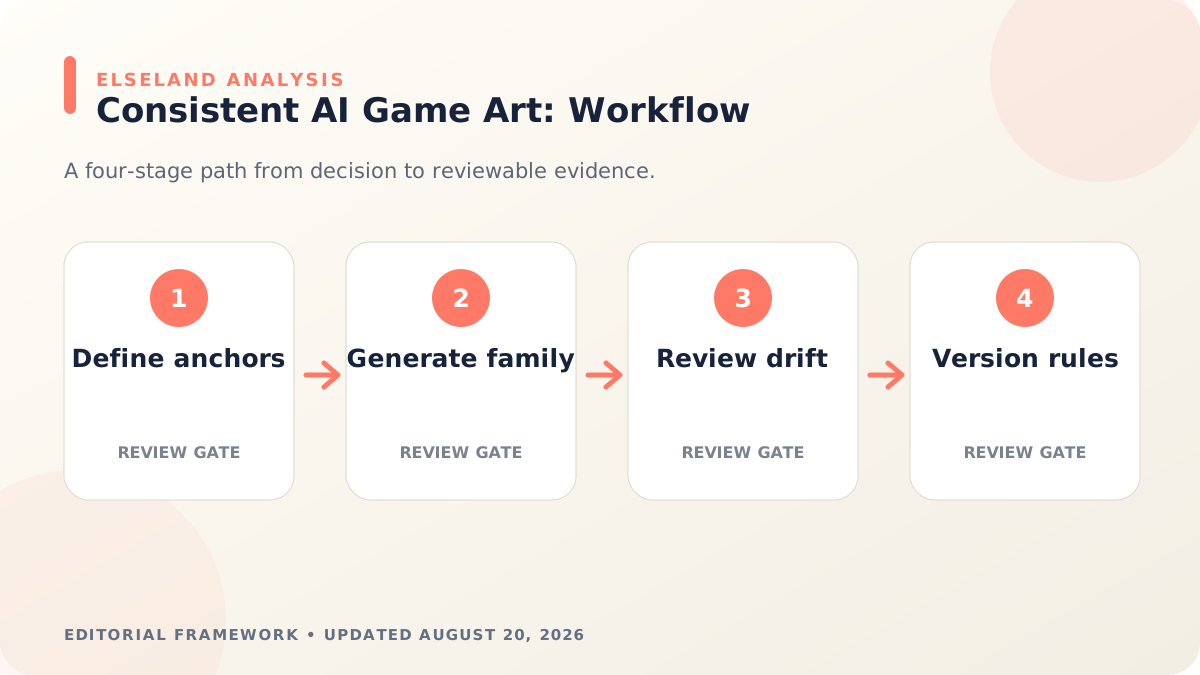
Build a One-Page Art Direction Bible
Start with one page that a new collaborator can apply without a meeting. Include a short creative thesis, a controlled palette, shape language, material behavior, lighting rules, camera tendencies, texture treatment, and a small set of “never” examples. Verify the implementation detail against the current Midjourney Style Reference documentation before locking the production rule.
Keep the first version narrow. Five enforceable rules are more valuable than fifty adjectives that can be interpreted differently. Pair words with approved images and visible counterexamples wherever possible.
| Variable | Lock for consistency | Allow to change deliberately |
|---|---|---|
| Character identity | Face proportions, signature shapes, costume anchors | Expression, pose, damage, progression state |
| World style | Palette family, shape language, material response | Biome, weather, time of day |
| Rendering | Medium, edge treatment, detail density | Focal depth and effect intensity |
| Composition | Gameplay readability and camera class | Shot size, subject position, motion |
| Production | Aspect ratio, alpha rules, export size, naming | Format variants required by each surface |
Create Character and World Reference Sheets
For each recurring character, approve a neutral front view, profile or three-quarter view, full-body proportions, core costume, palette swatches, and a few expressions. Add written notes for features that generation systems often reinterpret, such as eye color, asymmetric accessories, hairstyle geometry, or the exact placement of an emblem.
Build a similar sheet for the world. Show one hero environment, representative architecture, ground and wall materials, vegetation, props, atmosphere, and the acceptable range of lighting. A reference sheet should reveal relationships, not just collect attractive images.
Mark every reference with a version and status. “Exploration,” “candidate,” and “approved” images should never live in an undifferentiated folder, because an outdated experiment can quietly become the source for the next batch.
Separate Identity, Style, and Composition
Use different controls for different jobs when the tool supports them. As of August 2026, Adobe Firefly documents style-reference images for guiding a generation's look and feel. Midjourney describes Style References as capturing visual characteristics such as color, medium, texture, and lighting rather than copying people or objects, while its Omni Reference is intended to carry a referenced character, object, vehicle, or creature into new images.
Those distinctions are useful even if you change tools. Keep an identity reference for who or what the subject is, a style reference for how the image should be rendered, and a composition instruction for what happens in the frame. Avoid asking one overloaded reference or prompt to solve all three.
Keep prompts concrete and visual. Name the subject, action, environment, camera class, lighting, material treatment, and required empty space. Move lore, personality, and metaphor into the art brief unless they translate into something visible.
Generate Controlled Batches, One Variable at a Time
Generate a small batch with stable settings, then change one meaningful variable. If identity, style strength, lens, lighting, costume, and pose all change at once, you cannot tell which decision caused the drift.
Name each batch with the model or tool version, reference set, prompt version, aspect ratio, and the variable under test. Save enough information to reproduce an approved direction, while recognizing that some services may not return identical pixels from the same inputs.
Use a funnel: broad exploration first, then a narrow identity test, a pose or environment test, and finally production-format variations. Do not generate every animation frame, UI portrait, and marketing crop before the base identity has passed review.
- Batch 01: choose the visual thesis and shape language.
- Batch 02: lock recurring character or prop identity.
- Batch 03: test the approved identity across poses and lighting.
- Batch 04: test the world palette and material rules.
- Batch 05: create production crops only after the source direction is approved.
Review Every Candidate With the Same Consistency Scorecard
Review images side by side with the approved references, not one at a time in a generation feed. A candidate can be attractive in isolation while breaking the project's facial proportions, costume logic, perspective, or palette.
Score a few observable dimensions and add a short rejection reason. The score is not a claim of mathematical objectivity; it creates a shared vocabulary and exposes repeated failure modes that should be fixed in the brief or reference set.
| Check | Pass question | Common rejection reason |
|---|---|---|
| Identity | Would a player recognize the same character or object? | Face, proportions, or signature feature changed |
| Style | Does the rendering use the approved medium and detail density? | Edges, texture, or realism level drifted |
| World logic | Do materials, costume, and technology belong together? | Design language conflicts with the setting |
| Gameplay clarity | Is the subject readable at its actual display size? | Silhouette or focal action is unclear |
| Production fit | Does the file meet crop, alpha, scale, and export needs? | Good image, unusable asset format |
Hand Off Approved Art Like Production Assets
Generation is not the end of the asset pipeline. Approved images may still need cleanup, paint-over, topology or sprite preparation, color correction, alpha repair, separation into layers, and export into the dimensions the game uses.
Store the source generation, final edited asset, references, prompt or brief, model version, approval date, usage rights notes, and the person who approved it. Use stable asset IDs so a revised portrait or texture can replace the old version without breaking every scene that references it.
Run a periodic contact-sheet review across the whole project. Looking at characters, locations, UI, and promotional art together reveals drift that individual asset reviews miss. If the visual language has intentionally evolved, update the bible and references instead of leaving two competing standards in production.
- Keep exploration separate from approved production files.
- Version the art bible and reference sheets together.
- Record why an image passed, not only why others failed.
- Test assets at actual gameplay and storefront sizes.
- Schedule a cross-project consistency review before major releases.
What the Primary Sources Establish About Consistent AI Game Art
Our evidence baseline starts with the Adobe Firefly style reference guide, accessed August 20, 2026. We use it to establish documented behavior, terminology, or constraints—not to claim that the source endorses Elseland's workflow or conclusions. The practical artifact under review is a versioned style bible, reference sheet, prompt record, and approved asset family.
That distinction is central to E-E-A-T. A first-party page can establish what a format, tool, platform, model, or game team publicly documents. It cannot prove that a particular asset is fast, accessible, legally cleared, fun, or production-ready. Those conclusions require separate observation, measurement, specialist review, or player evidence tied to the actual project.
For this topic, the decision is whether a new asset belongs to the same visual system and preserves gameplay readability. The following observations turn the official reference into a reviewable production record rather than a decorative citation:
| Evidence layer | What it can support | What it cannot support alone |
|---|---|---|
| Official source | Documented feature, rule, format, or published design context | Project-specific quality or universal performance |
| Project measurement | Observed behavior in a named build, scene, device, or sample | Unmeasured platforms or future versions |
| Human review | Usability, visual, editorial, and production judgment | Legal certainty or population-level player behavior |
| Release record | Who approved what, when, with which evidence | Permanent compliance after inputs or rules change |
- 1. separate character identity, rendering style, world rules, camera, and export consistency. Store the result with the asset or build identifier so another reviewer can reproduce the conclusion.
- 2. keep approved references beside the exact model and settings used. Store the result with the asset or build identifier so another reviewer can reproduce the conclusion.
- 3. review assets as a family instead of approving isolated attractive images. Store the result with the asset or build identifier so another reviewer can reproduce the conclusion.
- 4. test the final crop, scale, background, and UI context used in play. Store the result with the asset or build identifier so another reviewer can reproduce the conclusion.

A Field Review Protocol for Consistent AI Game Art
Use this protocol after the first plausible output exists and before scaling the workflow. Keep one untouched baseline, one candidate revision, and one deliberately stressed case. The stressed case should expose the topic's likely failure mode—crowded scenes, extreme poses, small-screen play, unusual inputs, or a release-rule change—rather than merely repeat the easiest success case.
Run the review in the real delivery context whenever possible. Capture the tool or model version, source files, settings, target device or engine, date, and reviewer. If the work depends on a changing external service, record the response or exported artifact instead of assuming the same output can be recreated later.
A useful review ends with a decision and a next action. “Looks good” is not a gate. State whether the candidate passes, passes with a bounded exception, needs revision, or should be rejected; identify the evidence behind that status and the owner of the next check.
| Review status | Meaning | Required next action |
|---|---|---|
| Pass | All defined visual, technical, and release gates are supported by evidence | Freeze the reviewed artifact and link it to the build |
| Conditional pass | A known limitation is bounded and does not invalidate the intended use | Document the exception, owner, and trigger for re-review |
| Revise | The direction is viable but one or more gates remain unsupported | Change one controlled variable and repeat the affected checks |
| Reject | The candidate conflicts with the intended use, evidence, rights, safety, or budget | Preserve the record and choose a different approach |
- define non-negotiable silhouette, palette, material, and lighting anchors. Record the expected result before the check, then attach the observed result and any exception after it.
- generate controlled batches with one variable changed at a time. Record the expected result before the check, then attach the observed result and any exception after it.
- compare recurring characters at matched angles and scales. Record the expected result before the check, then attach the observed result and any exception after it.
- flag costume, proportion, emblem, and handedness drift explicitly. Record the expected result before the check, then attach the observed result and any exception after it.
- normalize dimensions, transparency, naming, and color treatment. Record the expected result before the check, then attach the observed result and any exception after it.
- record the approval rationale and the reference set used for the next batch. Record the expected result before the check, then attach the observed result and any exception after it.
Expert Interpretation and Limits of This Game Art & Visuals Guide
The strongest conclusion this guide can support is a conditional production recommendation: use the workflow when its documented assumptions match the project, and keep the evidence needed to revisit the decision. We do not infer universal model quality, player preference, legal clearance, or performance from an official screenshot, a provider example, or a single successful asset.
Experience matters here because consistent ai game art crosses creative judgment and implementation detail. The practical review should include the people who will edit the source, integrate the result, test it in play, maintain it after release, and answer rights or policy questions. A narrow expert handoff often misses problems that appear only when those responsibilities meet.
Before publishing or shipping, repeat time-sensitive checks against the current source and exact build. Preserve dated evidence, disclose the evaluation method, and distinguish measured results from editorial inference. That record is more valuable than a confident conclusion that future reviewers cannot reproduce.
| Claim type | Editorial treatment |
|---|---|
| Documented fact | Link to Adobe Firefly style reference guide and include the access date |
| Observed project result | Name the build, environment, sample, and method |
| Expert judgment | State the criteria, reviewer role, and tradeoff |
| Inference or forecast | Label it explicitly and describe what evidence could change it |
- A style reference guides appearance but does not guarantee character identity.
- Prompt reuse cannot compensate for a changed model version or undocumented defaults.
- A cohesive mood board may still fail gameplay contrast and accessibility checks.
- Human review remains necessary for anatomy, symbols, rights, and narrative context.
Frequently asked questions
Why do AI-generated characters change between images?
Each generation resolves the prompt, references, and model behavior again, so details can drift. A stable identity sheet, controlled variables, and human comparison reduce that drift but do not remove the need for review.
Is using the same prompt enough for consistent game art?
No, because the same words can still produce different identity, composition, and detail choices. Keep approved references, settings, negative constraints, and a scorecard alongside the prompt.
What belongs in a game art bible?
Include the creative thesis, palette, shape language, materials, lighting, camera, detail density, and production rules. Pair the rules with approved examples and visible counterexamples.
How many reference images should I use?
Use the smallest set that clearly explains identity and style without introducing conflicts. More references are not automatically better if they disagree about proportions, lighting, or rendering medium.
Should character identity and art style use separate references?
Yes when the tool provides separate controls, because identity and rendering style are different decisions. The same separation remains useful in your brief even when a tool combines them.
How do I keep environments consistent across different biomes?
Lock the world's shape language, material response, detail density, and lighting logic, then define the allowed palette and prop changes for each biome. Review biome images together so variation does not become a different game.
Can AI art go directly into a game?
Sometimes, but production assets often need cleanup, cropping, layers, alpha repair, optimization, or animation preparation. Rights, attribution, and tool-specific usage terms also need to be checked for the chosen service and project.
When should the art bible change?
Change it when the team deliberately approves a new visual direction or repeated production evidence shows a rule is unworkable. Version the update and identify which existing assets must be revised so two standards do not coexist silently.
Sources and further reading
- Adobe Firefly style reference guide
Adobe's current workflow for using a reference image to guide the look and feel of generated images.
- Midjourney Style Reference documentation
Current description of style references for color, medium, texture, lighting, and related visual characteristics.
- Midjourney Omni Reference documentation
Current reference workflow for carrying a character, object, vehicle, or creature into a new generation.
Next step