An animation can look convincing in a tool preview and fail inside a game. Feet slide, the root rotates unexpectedly, fingers collapse, or the attack contact frame does not match gameplay. The solution is a controlled pipeline rather than a larger batch of generated motion.
Start with a model that has already passed structural review. If the source came from concept art or image-to-3D generation, use the concept-to-3D workflow first.
Quick read
Key takeaways
- Fix mesh structure and transforms before auto-rigging.
- Use AI motion as a draft that still needs contact, balance, timing, and loop cleanup.
- Design a small clip set around gameplay states instead of generating disconnected motions.
- Export and test early because bone, root motion, and clip settings can change behavior.
Prepare the Mesh for Rigging
Apply transforms, check normals, separate parts that must move independently, and inspect topology around shoulders, hips, knees, elbows, face, and fingers. Decide whether the character uses humanoid retargeting or a custom skeleton.
Put the origin and ground plane in predictable positions. Record forward direction, units, naming, and bind pose before moving between tools.
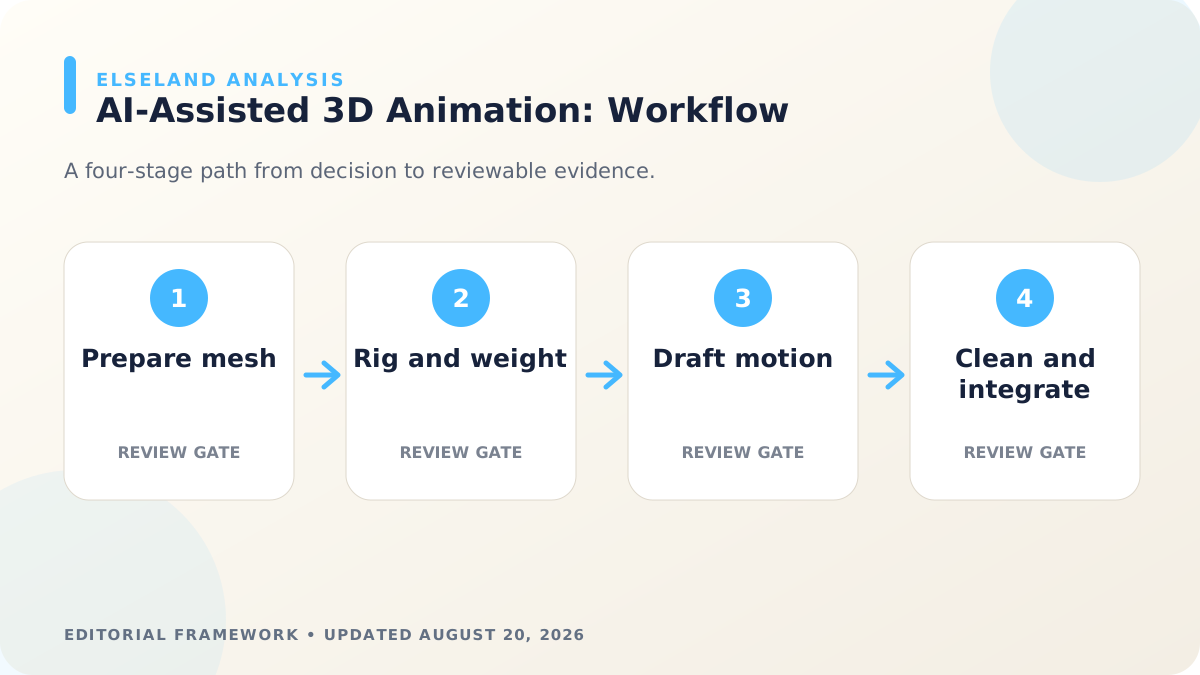
Use Auto-Rigging as a Starting Point
Place joints against anatomical or mechanical landmarks, then inspect skin weights in extreme poses. Automatic solutions often need correction where surfaces are close together, garments overlap, or proportions are stylized.
Create a short deformation test before generating many clips: deep crouch, raised arms, twist, wide step, and any game-specific extreme pose.
Generate Motion From Gameplay Intent
Describe the state, direction, speed, mood, contact points, and loop requirement. A gameplay attack also needs anticipation, a readable active moment, and recovery timing that can connect to the next state.
Keep reference footage rights-clear and appropriate for the character. Generated motion should be reviewed for physical plausibility and for the meaning it communicates to the player.
Clean Contact, Curves, and Transitions
Correct foot and hand sliding, root drift, ground penetration, balance, joint pops, and noisy curves. Trim loops at compatible poses and preserve enough lead-in or recovery for transitions.
Name clips by state and variant, then document root-motion and in-place expectations. Consistent clip contracts make gameplay code and animation state machines easier to maintain.
Export and Validate in the Engine
Check bone mapping, scale, root node, compression, clip ranges, events, and retargeting after import. Test the character against collision, slopes, camera framing, and actual gameplay speed.
For a browser-facing character, complete the animation test inside a representative 3D scene and follow the browser optimization guide before final delivery.
Worked Example: Build a Five-Clip Enemy Set
A useful first animation set for a melee enemy is idle, locomotion, primary attack, hit reaction, and death or defeat. Before generating motion, define controller speed, attack range, active-frame timing, whether movement is root-driven, and the maximum pose exaggeration allowed by the character's proportions.
Auto-rig the clean mesh, then run a deformation stress test before producing all five clips. Generate or retarget locomotion first because it exposes ground contact, root orientation, and limb length problems. Once the skeleton contract is stable, create attack and reaction clips around gameplay events rather than around animation length alone.
| Clip | Must communicate | Engine evidence |
|---|---|---|
| Idle | Identity and readiness | Clean loop with stable root |
| Locomotion | Direction, weight, speed | No foot slide at controller speed |
| Attack | Anticipation, active moment, recovery | Hitbox and sound event alignment |
| Hit | Immediate interruption | Transition priority and invulnerability behavior |
| Defeat | Loss of threat | Collision and state cleanup |
Define a Skeleton and Clip Contract
A skeleton contract records joint names, hierarchy, bind pose, forward axis, units, root strategy, allowed influences, and retargeting expectations. A clip contract records name, frame range, loop behavior, root motion, gameplay events, entry pose, and exit pose.
These contracts let AI-generated or retargeted motion move between tools without relying on memory. They also make failures diagnosable: if the same clip breaks only on one character, inspect rig mapping and proportions; if it breaks on every character, inspect the motion or importer.
- One documented root and forward/up convention
- Stable deformation-bone names and hierarchy
- Normalized skin weights tested in extreme poses
- Clip names, ranges, loops, root behavior, and event frames
- Retargeting exceptions for stylized anatomy or mechanical parts
Troubleshoot AI-Assisted 3D Animation
Do not smooth every noisy curve before understanding what it controls. Foot-contact noise, intentional impact vibration, and root drift are different problems. Inspect world-space contacts, center of mass, joint limits, and animation curves together.
Unity's rig importer and Roblox's animation documentation both illustrate how runtime systems depend on compatible rigs, published assets, and playback configuration. The model preview is only one stage; final approval belongs in the destination controller and camera.
| Symptom | Likely cause | Next check |
|---|---|---|
| Feet slide | Contact path and controller speed disagree | Lock contact and retime or change displacement |
| Limbs stretch | Bad mapping, weights, or incompatible proportions | Correct rig and retarget settings |
| Character turns unexpectedly | Root axis or rotation exported incorrectly | Normalize root and axis convention |
| Clip will not blend | Entry and exit poses conflict | Add transition pose or state rule |
| Crowd performance drops | Bone, clip, or update cost | LOD skeletons, culling, compression, profiling |
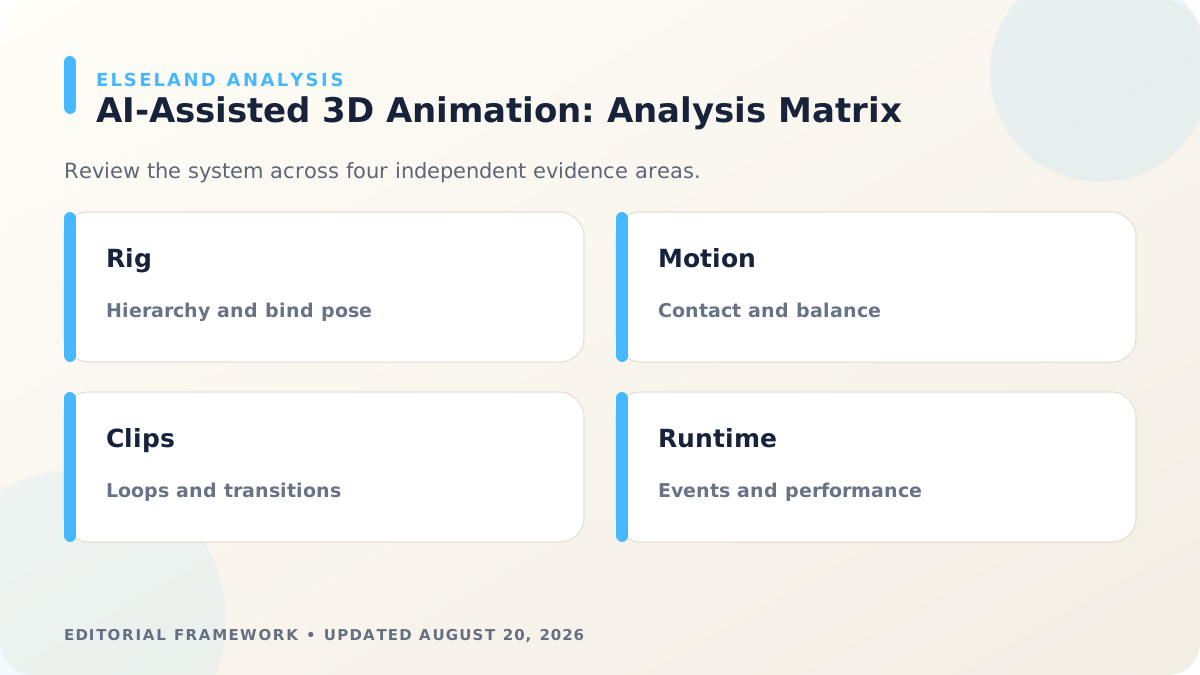
Game Animation Approval Checklist
Review clips in isolation, in transition, and under gameplay interruption. A clean attack can still fail when hit, canceled, slowed, mirrored, or played on a slope.
Use side-by-side captures of the source tool and engine. This identifies whether a defect was authored, baked, exported, compressed, retargeted, or introduced by the controller.
- Mesh transforms, topology, bind pose, hierarchy, and weights are approved.
- Root motion or in-place behavior matches the gameplay controller.
- Contacts, balance, joint limits, and loop seams pass review.
- Animation events align with hitboxes, effects, sound, and state changes.
- Import compression preserves important timing and deformation.
- Multiple characters and lower-power targets pass a representative performance test.
What the Primary Sources Establish About Animate 3D Models With AI
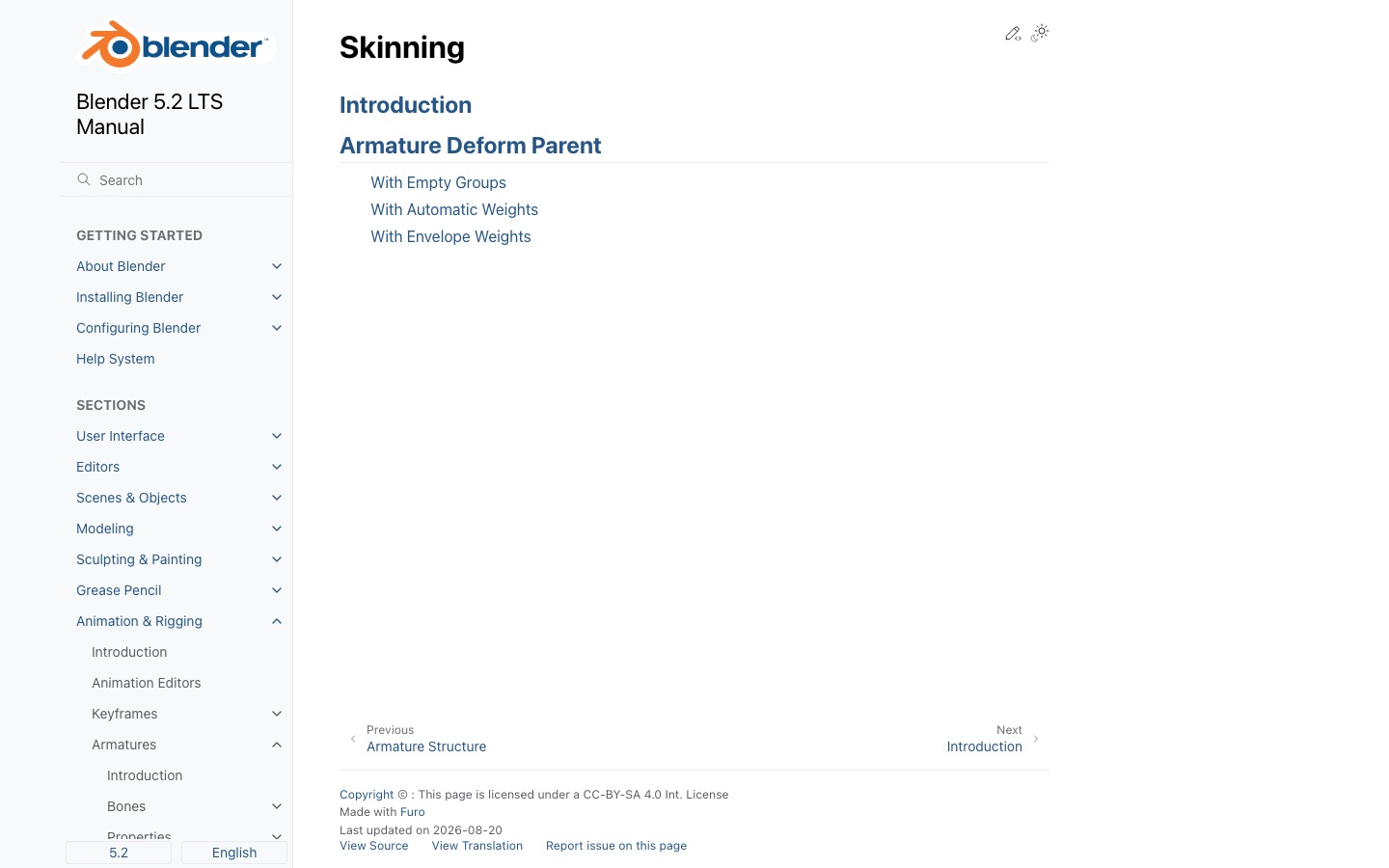
Our evidence baseline starts with the Blender armature skinning manual, accessed August 20, 2026. We use it to establish documented behavior, terminology, or constraints—not to claim that the source endorses Elseland's workflow or conclusions. The practical artifact under review is a clean bind pose, documented skeleton, weight test, animation clips, and engine state-machine review.
That distinction is central to E-E-A-T. A first-party page can establish what a format, tool, platform, model, or game team publicly documents. It cannot prove that a particular asset is fast, accessible, legally cleared, fun, or production-ready. Those conclusions require separate observation, measurement, specialist review, or player evidence tied to the actual project.
For this topic, the decision is whether AI-assisted motion is mechanically usable and visually credible in play. The following observations turn the official reference into a reviewable production record rather than a decorative citation:
| Evidence layer | What it can support | What it cannot support alone |
|---|---|---|
| Official source | Documented feature, rule, format, or published design context | Project-specific quality or universal performance |
| Project measurement | Observed behavior in a named build, scene, device, or sample | Unmeasured platforms or future versions |
| Human review | Usability, visual, editorial, and production judgment | Legal certainty or population-level player behavior |
| Release record | Who approved what, when, with which evidence | Permanent compliance after inputs or rules change |
- 1. inspect mesh and hierarchy before auto-rigging. Store the result with the asset or build identifier so another reviewer can reproduce the conclusion.
- 2. judge weight quality in stress poses before producing many clips. Store the result with the asset or build identifier so another reviewer can reproduce the conclusion.
- 3. separate motion drafting from contact and root-motion cleanup. Store the result with the asset or build identifier so another reviewer can reproduce the conclusion.
- 4. test loops, transitions, events, and interruption behavior in-engine. Store the result with the asset or build identifier so another reviewer can reproduce the conclusion.
A Field Review Protocol for Animate 3D Models With AI
Use this protocol after the first plausible output exists and before scaling the workflow. Keep one untouched baseline, one candidate revision, and one deliberately stressed case. The stressed case should expose the topic's likely failure mode—crowded scenes, extreme poses, small-screen play, unusual inputs, or a release-rule change—rather than merely repeat the easiest success case.
Run the review in the real delivery context whenever possible. Capture the tool or model version, source files, settings, target device or engine, date, and reviewer. If the work depends on a changing external service, record the response or exported artifact instead of assuming the same output can be recreated later.
A useful review ends with a decision and a next action. “Looks good” is not a gate. State whether the candidate passes, passes with a bounded exception, needs revision, or should be rejected; identify the evidence behind that status and the owner of the next check.
| Review status | Meaning | Required next action |
|---|---|---|
| Pass | All defined visual, technical, and release gates are supported by evidence | Freeze the reviewed artifact and link it to the build |
| Conditional pass | A known limitation is bounded and does not invalidate the intended use | Document the exception, owner, and trigger for re-review |
| Revise | The direction is viable but one or more gates remain unsupported | Change one controlled variable and repeat the affected checks |
| Reject | The candidate conflicts with the intended use, evidence, rights, safety, or budget | Preserve the record and choose a different approach |
- remove transforms, non-manifold surprises, and disconnected deforming parts. Record the expected result before the check, then attach the observed result and any exception after it.
- place joints from anatomy and gameplay requirements. Record the expected result before the check, then attach the observed result and any exception after it.
- normalize weights and test shoulders, hips, hands, and extreme bends. Record the expected result before the check, then attach the observed result and any exception after it.
- clean foot sliding, penetrations, balance, arcs, and timing. Record the expected result before the check, then attach the observed result and any exception after it.
- split and name clips with explicit loop and root-motion rules. Record the expected result before the check, then attach the observed result and any exception after it.
- profile multiple animated actors on the target platform. Record the expected result before the check, then attach the observed result and any exception after it.
Expert Interpretation and Limits of This Game Assets & 3D Guide
The strongest conclusion this guide can support is a conditional production recommendation: use the workflow when its documented assumptions match the project, and keep the evidence needed to revisit the decision. We do not infer universal model quality, player preference, legal clearance, or performance from an official screenshot, a provider example, or a single successful asset.
Experience matters here because animate 3d models with ai crosses creative judgment and implementation detail. The practical review should include the people who will edit the source, integrate the result, test it in play, maintain it after release, and answer rights or policy questions. A narrow expert handoff often misses problems that appear only when those responsibilities meet.
Before publishing or shipping, repeat time-sensitive checks against the current source and exact build. Preserve dated evidence, disclose the evaluation method, and distinguish measured results from editorial inference. That record is more valuable than a confident conclusion that future reviewers cannot reproduce.
| Claim type | Editorial treatment |
|---|---|
| Documented fact | Link to Blender armature skinning manual and include the access date |
| Observed project result | Name the build, environment, sample, and method |
| Expert judgment | State the criteria, reviewer role, and tradeoff |
| Inference or forecast | Label it explicitly and describe what evidence could change it |
- Auto-rig success does not establish correct joint placement or deformation.
- Motion generation cannot infer every gameplay event or collision requirement.
- Retargeting quality depends on compatible proportions, rest pose, and bone mapping.
- A cinematic preview may hide root drift, transition pops, and runtime cost.
Frequently asked questions
Can AI animate any 3D model?
Results are best when the mesh has clear structure, suitable topology, a predictable pose, and a compatible rig. Unusual anatomy and fused geometry need more manual work.
Does auto-rigging remove the need for skin-weight cleanup?
No. Always test extreme poses and correct collapsed joints, unintended influences, and intersections before producing a large clip set.
Should game animation use root motion?
It depends on the controller and genre. Decide early whether movement comes from animation or gameplay code, then keep that choice consistent across clips.
What animation clips should I make first?
Start with the smallest state set needed by the loop: idle, locomotion, primary action, hit or interruption, and recovery or death where relevant.
Can AI animation be used without motion capture?
Yes. Text-, video-, or pose-guided systems can draft movement, but the result still needs rig compatibility, contact cleanup, timing, gameplay events, and runtime validation. Motion capture is one source of motion data, not a requirement for every workflow.
How many bones should a game character have?
Use the bones required for the intended deformation and controls, then profile the complete scene. A hero face rig, mobile crowd character, and mechanical prop need different skeletons; a universal target would ignore platform and animation goals.
When should animation be baked?
Bake constraints, procedural controls, or retargeted results when the destination format or engine cannot reproduce them. Keep an editable rig and unbaked source so corrections remain possible.
How do I evaluate an AI-generated attack animation?
Check anticipation readability, active-frame location, hitbox alignment, recovery commitment, interrupt rules, camera angle, and whether the move can be recognized at gameplay distance. Style matters, but the state contract matters first.
Sources and further reading
- Blender armature skinning manual
Official reference for binding meshes to armatures.
- Unity Rig import settings
Official documentation for imported rig types, avatars, and skin weights.
- Roblox animation documentation
First-party overview of animation assets and runtime use.
Next step