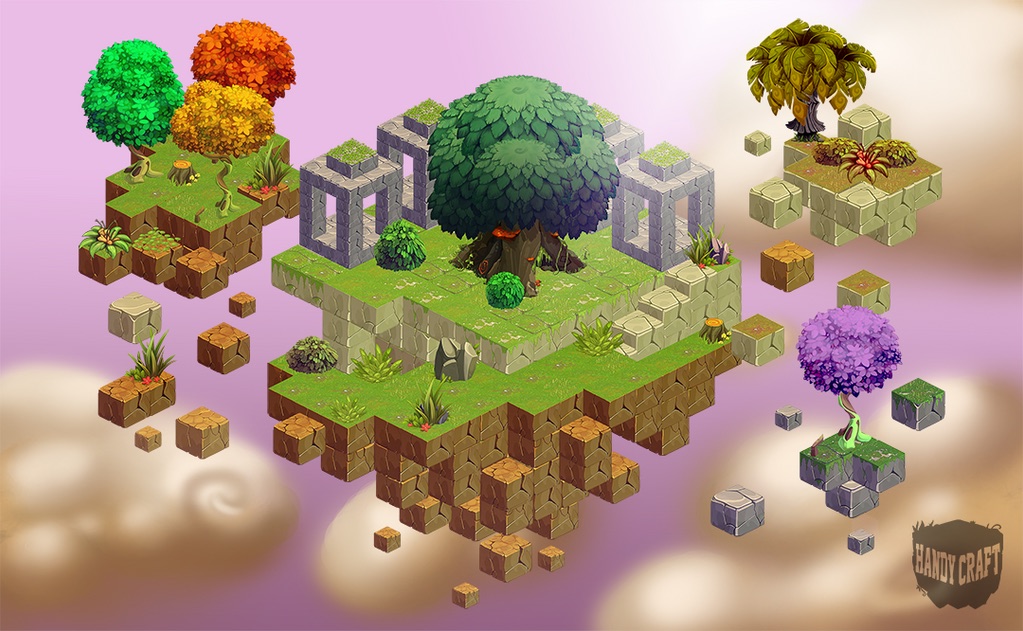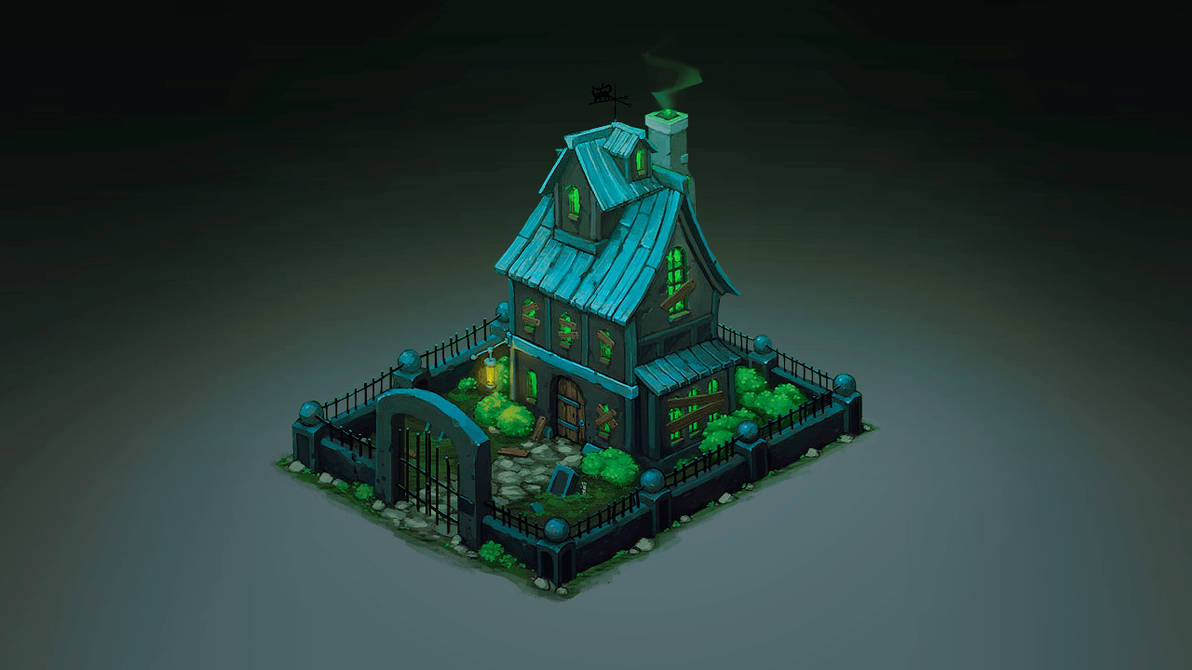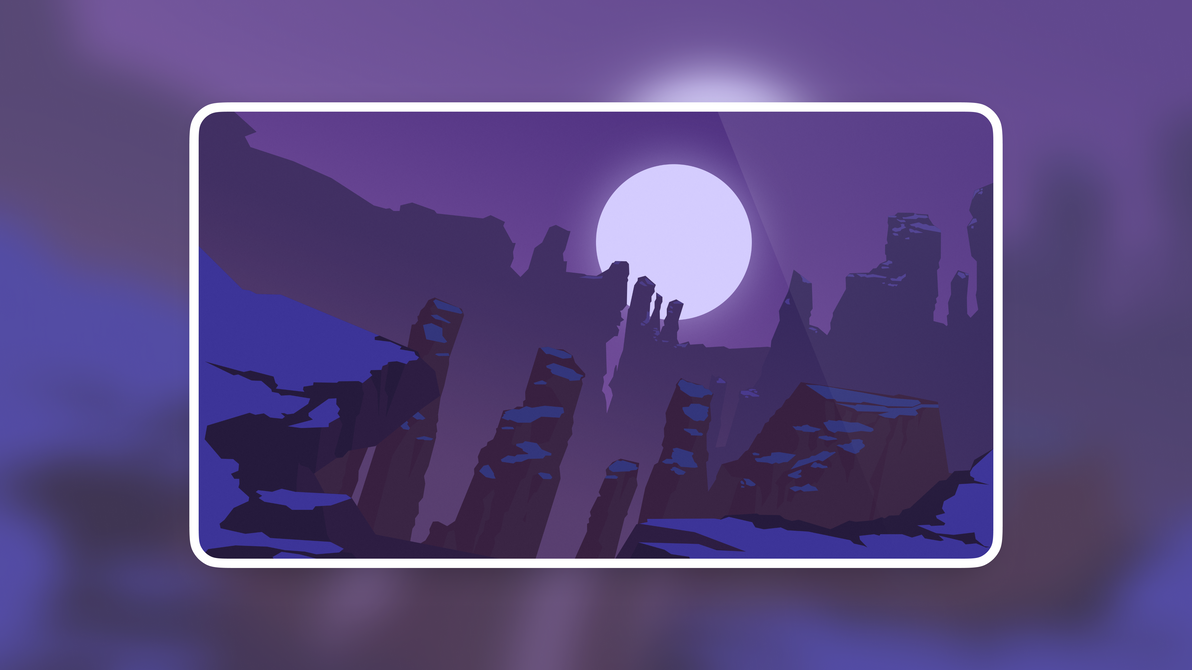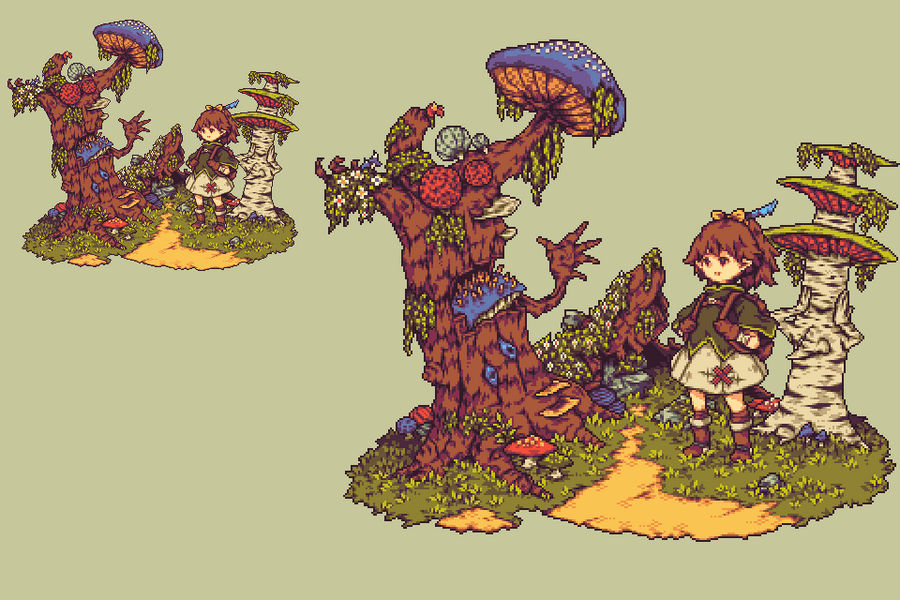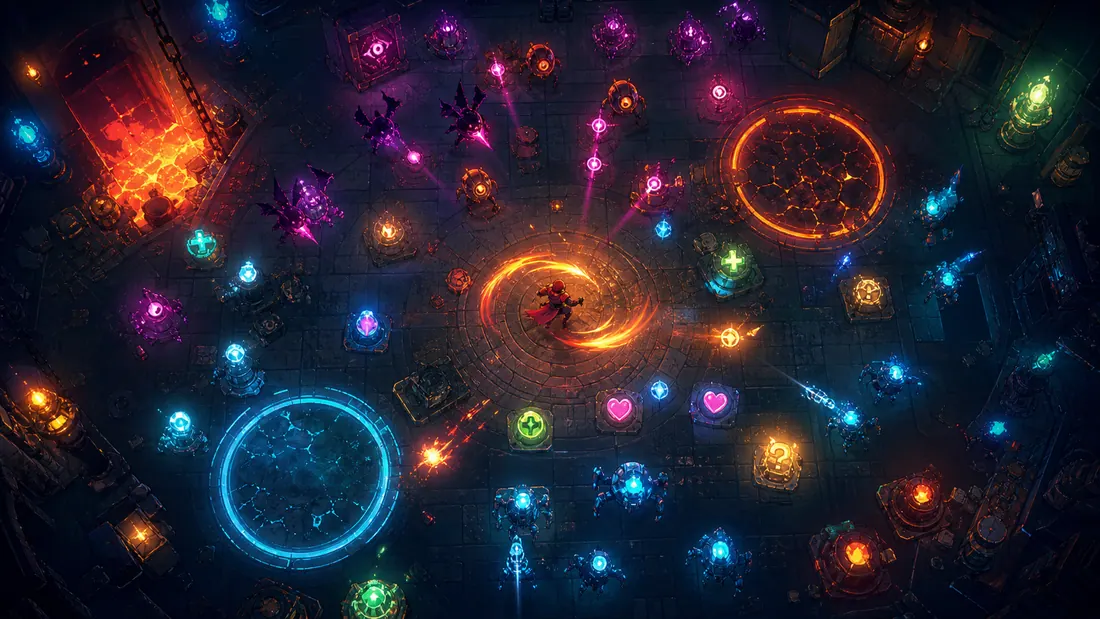
AI can create a convincing pixel-art image while still failing as a game asset. Inconsistent pixel size, soft edges, drifting light direction, noisy clusters, and changing character proportions become obvious as soon as several outputs share one scene.
The workflow below is designed for reusable sprites and tiles. If your goal is a playable puzzle prototype, review the visual density of puzzle games and keep the board state more readable than the decoration around it.
Quick read
Key takeaways
- Choose a base grid and limited palette before generating a set.
- Prompt for silhouette, view angle, and material treatment rather than vague style labels alone.
- Redraw broken clusters and outlines by hand; do not rely on automatic downscaling.
- Test sprites against real backgrounds, UI, motion, and color-vision constraints.
Define the Pixel System
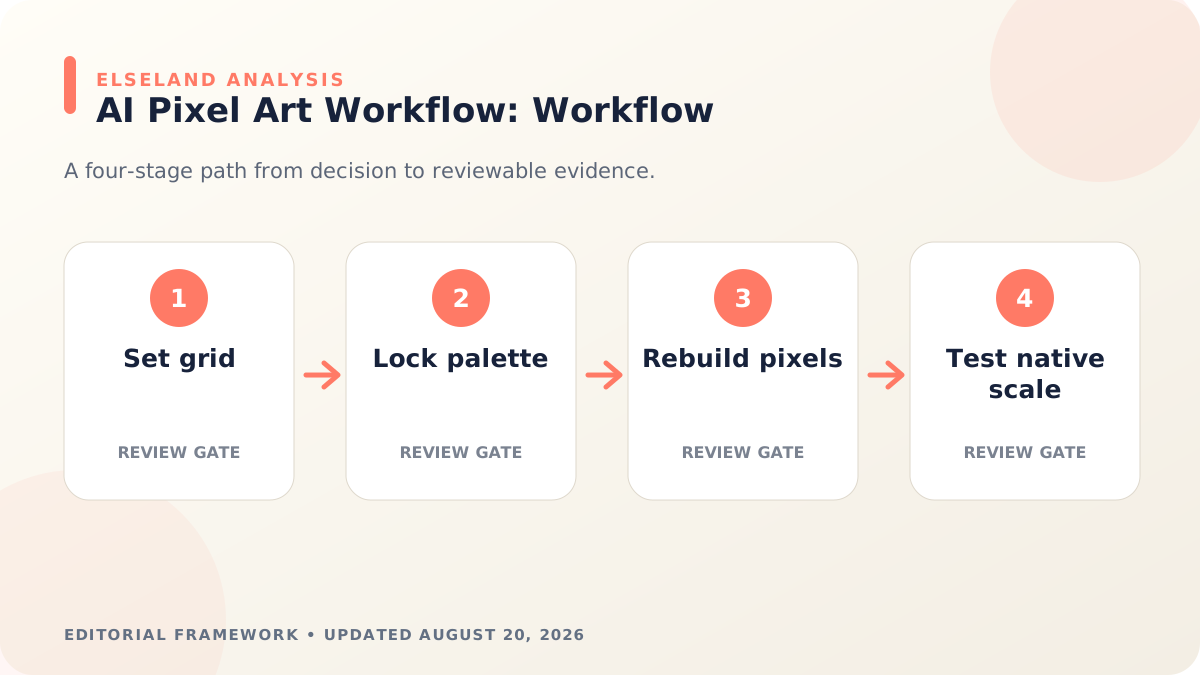
Pick the working canvas, logical pixel scale, palette size, outline rule, view angle, lighting direction, and transparency behavior. Write these choices into a style card that travels with every prompt.
Separate asset families: character, environment tile, prop, effect, and UI icon. Each family can share the world style while keeping its own size and readability requirements.
Prompt for Structure, Not Just Style
Specify one subject, a clear pose, orthographic or side view, centered composition, transparent or flat background, limited palette, and the intended game scale. Avoid stacking many art-history or franchise references that make the visual target less controllable.
Generate a small contact sheet and choose the output with the cleanest silhouette. Consistency is easier when one approved asset becomes the structural reference for the next batch.
Rebuild the Pixels That Matter
Snap edges to the grid, remove partial transparency where hard pixels are expected, repair tangents and single-pixel noise, and simplify clusters that flicker at gameplay scale. Recolor to the approved palette instead of accepting near-duplicate shades.
Keep a nearest-neighbor version for review. Smooth scaling can hide broken pixel structure and make a weak sprite look better in the editor than it will in the game.
Prepare Atlases and Animation States
Give every frame the same canvas, origin, baseline, and facing direction. Pack sprites in predictable order and leave enough padding to avoid texture bleeding. Export a metadata file when the engine or runtime supports atlas coordinates.
For multi-state characters, continue with the AI sprite sheet workflow, which covers idle, walk, attack, and hit loops as one connected system.
Test Readability and Accessibility
Place sprites over the darkest, lightest, and busiest production backgrounds. Check silhouette recognition, hit feedback, selection state, and animation timing at native scale.
Do not encode essential state through color alone. Shape, symbol, pattern, animation, or text reinforcement improves accessibility and often makes fast gameplay clearer for everyone.
Worked Example: A 32-Pixel Top-Down Adventure Set
Define a 32-by-32 logical grid, a twelve-color shared palette, a top-down three-quarter view, one-pixel dark outlines, and a light source from the upper left. The first batch contains a player idle sprite, one enemy, one floor tile, one wall corner, one pickup, and one UI icon. This small vertical slice exposes whether the rules work across characters, environments, and interface elements.
Generate at a larger working size only if the model requires it, then rebuild the final pixels on the target grid. Do not simply downsample a painterly image. At native scale, remove semi-transparent edge pixels, merge near-duplicate colors, verify tile seams, and compare every asset over both light and dark production backgrounds.
| Asset | Constraint | Native-scale test |
|---|---|---|
| Player | Readable head, tool, and facing | Recognizable at 1× without zoom |
| Enemy | Different silhouette and value grouping | Not confused with player during motion |
| Floor tile | Seamless edges and low contrast | Does not compete with actors |
| Pickup | High contrast and one clear shape | Visible over every floor variant |
| UI icon | Centered with safe padding | Legible in the smallest slot |
Build a Pixel-Art Style Specification
A prompt library is not enough because prompts describe intent while a style specification describes measurable output. Store the logical resolution, palette file, outline rules, light direction, perspective, animation timing, shadow shape, transparency policy, and examples of allowed clusters.
Create a rejection board as well as a reference board. Show soft anti-aliased edges, isolated noise, changing pixel scale, excessive colors, inconsistent perspective, and baked lighting that should be rejected. Reviewers make faster decisions when failure conditions are visible.
- Logical grid and display scaling rule
- Palette with role labels for shadow, midtone, highlight, UI, and effects
- Outline, corner, curve, and material-cluster examples
- Perspective, origin, baseline, and tile adjacency rules
- Animation frame rate, smear-frame policy, and loop requirements
Diagnose Common AI Pixel-Art Failures
Most weak outputs fail one of three layers: the image is not truly aligned to a pixel grid, the asset does not match the project's visual grammar, or the engine import smooths and repacks it incorrectly. Inspect all three before blaming the generator.
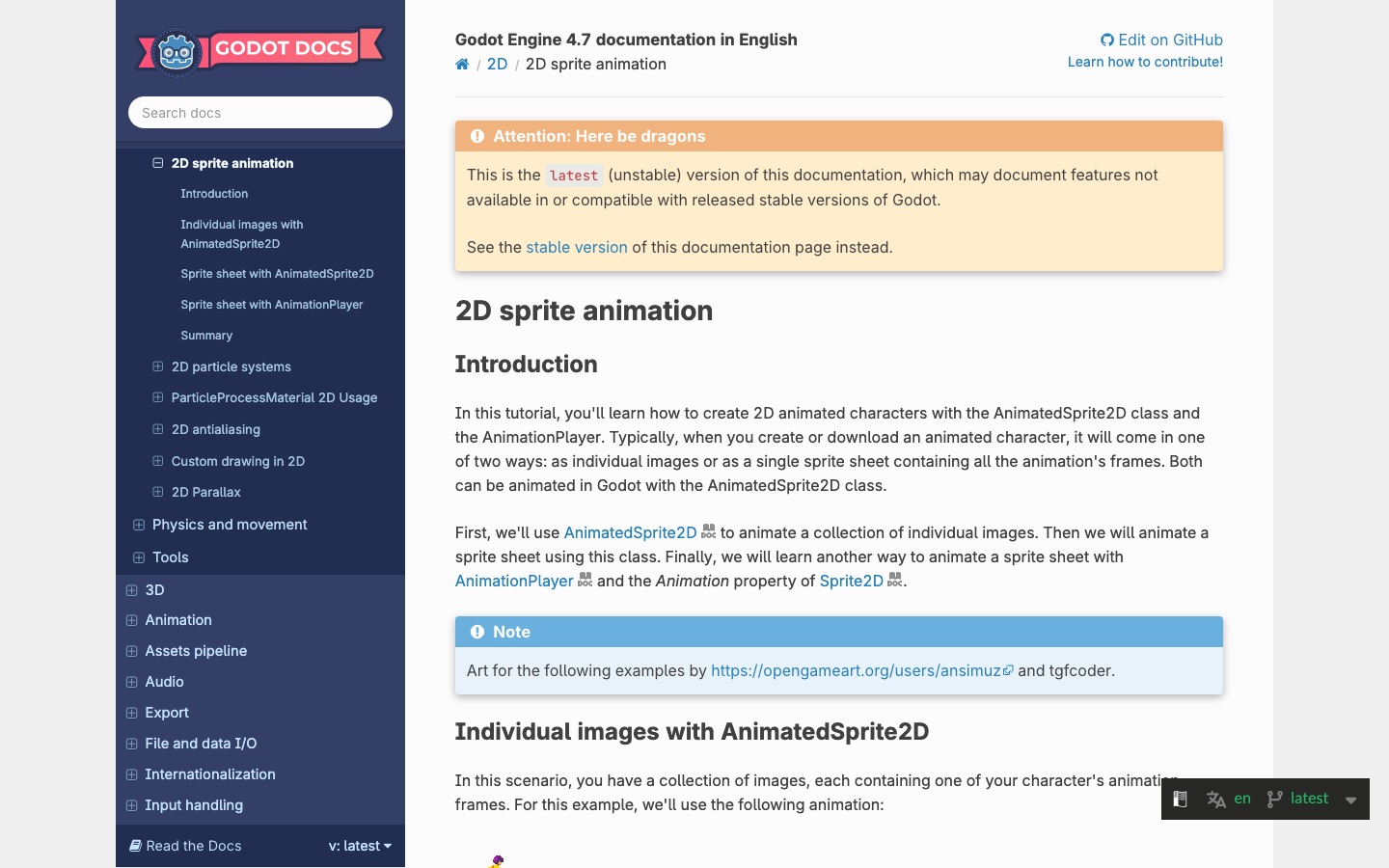
The official Godot sprite-animation guide and Unity atlas documentation show that production behavior depends on ordered frames, import settings, atlas regions, and runtime playback. A clean PNG can still look wrong when filtering, trimming, padding, or pivots are inconsistent.
| Symptom | Likely cause | Next check |
|---|---|---|
| Soft or blurry sprite | Non-integer scaling or filtered texture | Use nearest-neighbor and integer scale |
| Too many colors | Painterly generation or resampling | Quantize to approved palette and redraw clusters |
| White or dark halo | Matte contamination in transparent edges | Remove partial alpha and repad |
| Tile seam | Opposite edges do not match | Offset-preview and repair boundary pixels |
| Animation jitter | Changing canvas, baseline, or proportions | Normalize anchors before timing |
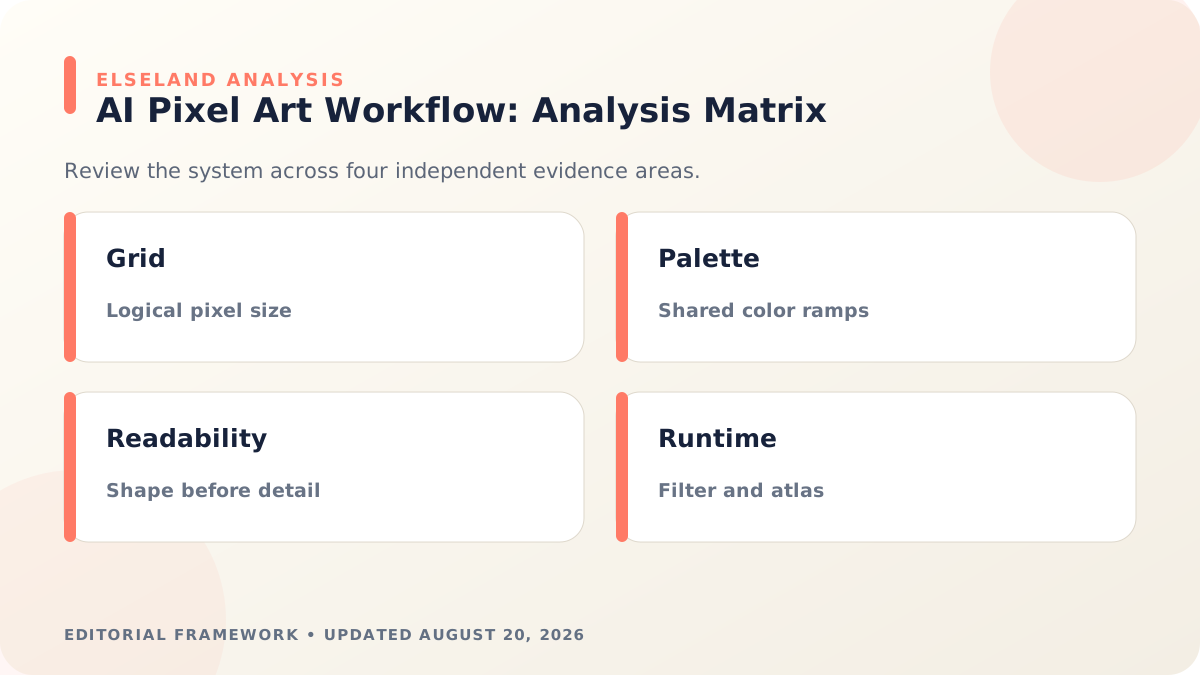
Pixel-Art Export and Integration Checklist
Export one untouched master at logical resolution and let the runtime scale it. If a larger file is needed for a platform, create an integer-scaled derivative and preserve the master so later edits remain grid-correct.
Test art with effects and UI enabled. A sprite that reads in an empty editor may disappear behind hit flashes, particles, damage numbers, parallax layers, or a color-similar environment.
- Canvas, origin, baseline, facing, and padding match the asset family.
- Every visible color maps to the approved palette or an intentional exception.
- Alpha is either deliberately hard-edged or documented for the chosen style.
- Tiles repeat without seams and corners cover required adjacency cases.
- Point filtering, pixels-per-unit, atlas padding, and trimming are verified.
- Color is reinforced with shape, symbol, value, or pattern for essential state.
What the Primary Sources Establish About AI Pixel Art Assets
Our evidence baseline starts with the Godot 2D sprite animation, accessed August 20, 2026. We use it to establish documented behavior, terminology, or constraints—not to claim that the source endorses Elseland's workflow or conclusions. The practical artifact under review is a native-scale sprite family, palette record, animation preview, and engine import test.
That distinction is central to E-E-A-T. A first-party page can establish what a format, tool, platform, model, or game team publicly documents. It cannot prove that a particular asset is fast, accessible, legally cleared, fun, or production-ready. Those conclusions require separate observation, measurement, specialist review, or player evidence tied to the actual project.
For this topic, the decision is whether generated pixel art behaves like authored game pixels instead of a reduced illustration. The following observations turn the official reference into a reviewable production record rather than a decorative citation:
| Evidence layer | What it can support | What it cannot support alone |
|---|---|---|
| Official source | Documented feature, rule, format, or published design context | Project-specific quality or universal performance |
| Project measurement | Observed behavior in a named build, scene, device, or sample | Unmeasured platforms or future versions |
| Human review | Usability, visual, editorial, and production judgment | Legal certainty or population-level player behavior |
| Release record | Who approved what, when, with which evidence | Permanent compliance after inputs or rules change |
- 1. choose the logical grid and gameplay viewing scale before generating. Store the result with the asset or build identifier so another reviewer can reproduce the conclusion.
- 2. evaluate silhouette and palette ramps before interior detail. Store the result with the asset or build identifier so another reviewer can reproduce the conclusion.
- 3. inspect alpha edges and sub-pixel colors at high zoom. Store the result with the asset or build identifier so another reviewer can reproduce the conclusion.
- 4. test point filtering, atlas boundaries, pivots, and animation in the engine. Store the result with the asset or build identifier so another reviewer can reproduce the conclusion.
A Field Review Protocol for AI Pixel Art Assets
Use this protocol after the first plausible output exists and before scaling the workflow. Keep one untouched baseline, one candidate revision, and one deliberately stressed case. The stressed case should expose the topic's likely failure mode—crowded scenes, extreme poses, small-screen play, unusual inputs, or a release-rule change—rather than merely repeat the easiest success case.
Run the review in the real delivery context whenever possible. Capture the tool or model version, source files, settings, target device or engine, date, and reviewer. If the work depends on a changing external service, record the response or exported artifact instead of assuming the same output can be recreated later.
A useful review ends with a decision and a next action. “Looks good” is not a gate. State whether the candidate passes, passes with a bounded exception, needs revision, or should be rejected; identify the evidence behind that status and the owner of the next check.
| Review status | Meaning | Required next action |
|---|---|---|
| Pass | All defined visual, technical, and release gates are supported by evidence | Freeze the reviewed artifact and link it to the build |
| Conditional pass | A known limitation is bounded and does not invalidate the intended use | Document the exception, owner, and trigger for re-review |
| Revise | The direction is viable but one or more gates remain unsupported | Change one controlled variable and repeat the affected checks |
| Reject | The candidate conflicts with the intended use, evidence, rights, safety, or budget | Preserve the record and choose a different approach |
- lock grid, camera, palette, light direction, and outline rules. Record the expected result before the check, then attach the observed result and any exception after it.
- generate a family of assets in one controlled batch. Record the expected result before the check, then attach the observed result and any exception after it.
- rebuild ambiguous clusters instead of merely downscaling. Record the expected result before the check, then attach the observed result and any exception after it.
- remove halos, near-duplicate colors, and isolated noise pixels. Record the expected result before the check, then attach the observed result and any exception after it.
- verify native, integer-scaled, and motion views. Record the expected result before the check, then attach the observed result and any exception after it.
- archive the palette, prompt, references, and approved PNG together. Record the expected result before the check, then attach the observed result and any exception after it.
Expert Interpretation and Limits of This Game Art & Visuals Guide
The strongest conclusion this guide can support is a conditional production recommendation: use the workflow when its documented assumptions match the project, and keep the evidence needed to revisit the decision. We do not infer universal model quality, player preference, legal clearance, or performance from an official screenshot, a provider example, or a single successful asset.
Experience matters here because ai pixel art assets crosses creative judgment and implementation detail. The practical review should include the people who will edit the source, integrate the result, test it in play, maintain it after release, and answer rights or policy questions. A narrow expert handoff often misses problems that appear only when those responsibilities meet.
Before publishing or shipping, repeat time-sensitive checks against the current source and exact build. Preserve dated evidence, disclose the evaluation method, and distinguish measured results from editorial inference. That record is more valuable than a confident conclusion that future reviewers cannot reproduce.
| Claim type | Editorial treatment |
|---|---|
| Documented fact | Link to Godot 2D sprite animation and include the access date |
| Observed project result | Name the build, environment, sample, and method |
| Expert judgment | State the criteria, reviewer role, and tradeoff |
| Inference or forecast | Label it explicitly and describe what evidence could change it |
- A pixel-art prompt does not guarantee a coherent logical pixel grid.
- High-resolution previews can conceal readability failures at gameplay size.
- Palette reduction can merge functional colors or damage ramps if applied blindly.
- A sprite that looks clean alone may clash with the environment, UI, or effects.
Frequently asked questions
Can AI generate production-ready pixel art?
It can accelerate exploration and provide useful source material, but most outputs still need palette, grid, edge, proportion, and animation cleanup before production use.
What resolution should pixel art game assets use?
Choose a base resolution from the intended camera and display scale. Consistency matters more than a universal number: assets should share a logical pixel size and scaling rule.
How do I stop AI pixel art from looking blurry?
Work on a fixed grid, remove unintended transparency, scale with nearest-neighbor filtering, and inspect at native size rather than trusting a smoothed preview.
How can AI pixel art stay consistent?
Use a fixed palette, view angle, outline rule, light direction, character proportion sheet, and approved reference asset for each generation batch.
Should AI pixel art be generated at the final resolution?
Use the final logical resolution when the model can follow it reliably. If you must generate larger, treat the result as reference and rebuild the important clusters on the target grid. Automatic downscaling alone usually produces noisy shapes and inconsistent pixel size.
How many colors should an AI pixel-art palette contain?
There is no universal number, but a deliberate limited palette is easier to keep coherent than unconstrained model output. Choose enough colors to express materials, depth, UI, and effects, then reuse ramps across the asset family instead of adding a new shade for every object.
How do I make pixel-art tiles seamless?
Preview the tile in an offset or repeated grid, repair the pixels crossing each boundary, and test corners as well as straight edges. Keep lighting and texture features from creating a visible center or directional seam unless the tile is intended to be unique.
Can anti-aliasing ever be used in pixel art?
Yes, when the style intentionally uses controlled intermediate pixels and the game renders them consistently. The problem is accidental smoothing, partial alpha, or changing pixel scale—not a universal ban on every transitional pixel.
Sources and further reading
- Godot 2D sprite animation
Official reference for frame-based sprite animation workflows.
- Unity Sprite Atlas API
Official reference for runtime sprite atlas structure and access.
- Game Accessibility Guidelines: color
Practical guidance for reinforcing essential color-coded information with other signals.
Next step