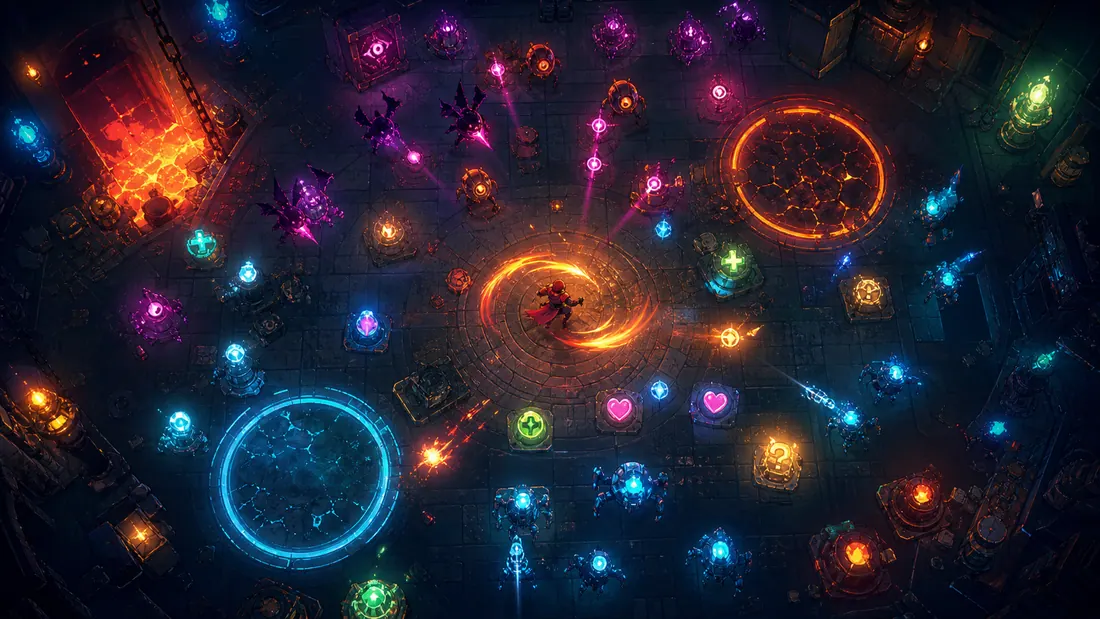
GPT-6 Astra can strengthen a game-cinematics workflow, but only if its role is described accurately. OpenAI's current API reference lists text and image input with text output; video and audio are not native Astra modalities. Astra can reason about references, produce structured shot plans, call approved tools, inspect results, and connect creative decisions to code. A specialist video model or editor still renders the clip.
Start from the player experience. Browse live games on Elseland and identify the exact moment a cinematic must explain, intensify, or transition. That purpose should control every downstream generation and edit.
Quick read
Key takeaways
- GPT-6 Astra accepts text and images and returns text; it does not directly output video or audio through its model endpoint.
- Its useful cinematic role is to maintain the brief, plan shots, inspect frames, write tool instructions, coordinate edits, and check delivery requirements.
- Specialist video, image, audio, editing, and engine tools still create and assemble the media.
- The correct success metric is an approved in-engine sequence with known cost, provenance, continuity, and performance—not a polished demo clip.
The right role for GPT-6 Astra in game cinematics
Treat Astra as a production coordinator with visual judgment, not as an all-in-one media renderer. It can turn a quest beat into a brief, compare storyboard frames with a style bible, create tool-ready prompts, update an asset manifest, and review exported frames against acceptance rules.
The distinction prevents false expectations and improves traceability. Every artifact should name the tool or model that actually produced it, while Astra's planning and review outputs remain versioned alongside the project.
| Layer | Astra contribution | Specialist contribution | Acceptance evidence |
|---|---|---|---|
| Direction | Narrative intent, constraints, shot list | Director and narrative approval | Signed-off brief |
| Previsualization | Storyboard logic, continuity review, timing plan | Image/video/3D tools render boards or animatics | Annotated animatic |
| Production | Tool calls, manifests, edit instructions | DCC, engine, video and audio tools | Source files and provenance |
| Delivery | Frame inspection, checklist, code support | Editor and engine create final build | In-engine playback and QA |
Build an executable cutscene brief
Define the gameplay state before the sequence, the information the player must understand, the emotion to create, and the state after control returns. Add duration, aspect ratio, frame rate, safe areas, camera rules, character references, location continuity, dialogue, localization, rating, rights, performance, and export constraints.
Ask Astra for a structured document rather than open-ended inspiration. A useful schema has shot ID, narrative job, action, lens and movement, duration, continuity dependencies, audio cue, source asset, tool, review status, and fallback. Unknown decisions should be flagged, not filled with invented assumptions.
- Keep each shot's narrative job to one sentence.
- Lock character and location references before generating variants.
- Define which changes can be automated and which require approval.
- Write a low-cost fallback for every expensive or fragile shot.
Previsualization before expensive generation
Use rough boards, engine cameras, or proxy animation to validate screen direction, timing, eye lines, and the handoff back to play. Astra can compare supplied frames, find continuity risks, and generate a revision list tied to shot IDs.
Do not use a beautiful still as approval for a sequence. Run the animatic at target duration, with temporary dialogue and subtitles. Check whether the player understands the objective without reading production notes.
| Check | Question | Failure signal |
|---|---|---|
| Purpose | What changes for the player? | Sequence adds spectacle but no information |
| Continuity | Do position, wardrobe, props, light, and damage persist? | Unmotivated changes between shots |
| Readability | Can action and text be read at target size? | Essential information disappears on mobile |
| Return to play | Is camera and control handoff clear? | Player regains control facing the wrong direction |
Coordinate video, audio, and editing tools
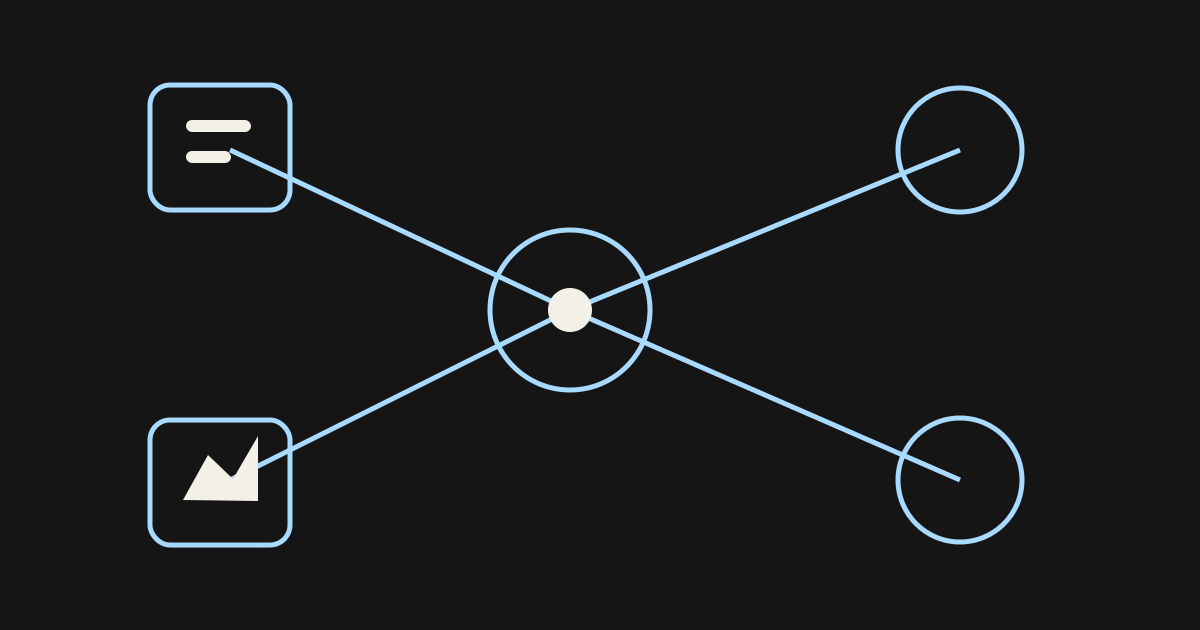
Astra can call compatible tools through the Responses API and can use computer interfaces in a bounded environment. OpenAI also documents structured outputs, function calling, computer use, and image-generation tool support. None of that turns the Astra model endpoint into a native video or audio generator.
Separate every stage: a video model renders motion; an audio tool synthesizes approved material; an editor assembles and grades; the engine handles triggers, branching, subtitles, playback, and state. Keep budgets and retries per shot, and require human approval before external uploads or irreversible edits.
| Task | Best system role | Record |
|---|---|---|
| Script and shot plan | Astra plus human direction | Version, decisions, unresolved questions |
| Moving image | Video model or DCC/engine | Model/tool, inputs, seed/settings, rights |
| Dialogue and sound | Approved audio tools and performers | Consent, license, pronunciation, mix specs |
| Assembly | Editor and engine | Timeline, codec, subtitles, triggers |
| Review | Astra-assisted checklist plus humans | Defects, fixes, approver, build |
Continuity is a data problem
Store character, costume, prop, location, weather, time, damage, and camera state as structured fields. When a shot changes, identify downstream dependencies before regenerating. Astra's long context can help inspect a large brief, but a database or manifest—not model memory—should remain the source of truth.
Use contact sheets and difference views to review identity and staging. If one element needs repair, prefer a localized edit over a full regeneration. Rebuilding the whole shot increases the probability of unrelated drift.
Engine delivery and QA for AI cutscenes
A final MP4 is not the final feature. Validate codec, color space, audio channels, loudness, subtitle timing, localization expansion, memory, streaming, skip behavior, pause behavior, save state, branches, and the transition to gameplay on every target platform.
Automated checks catch missing files, invalid durations, naming, subtitle overlaps, trigger regressions, and performance budgets. Human review is still required for storytelling, comfort, identity, consent, rights, and whether the sequence helps the game.
| Gate | Pass condition | Owner |
|---|---|---|
| Editorial | Story beat and player information are clear | Director/design |
| Rights | Every input and output has approved provenance | Producer/legal |
| Technical | Target builds meet playback and performance budgets | Engineering/QA |
| Accessibility | Subtitles, contrast, timing, and controls work | Accessibility/localization |
| Playtest | Sequence improves comprehension and pacing | Players and design |
A repeatable GPT-6 Astra cinematics test
Choose one 12–20 second sequence with three shots. Freeze the source brief and reference set. Compare the current workflow with an Astra-assisted version under the same time cap, tool access, and quality bar. Record planning time, generations, accepted shots, manual corrections, review defects, total cost, and in-engine issues.
Astra is useful if it reduces ambiguity, missed dependencies, and correction cycles enough to justify its token and tool costs. The official API lists a 1.05-million-token context, 128,000 maximum output tokens, and token pricing, but the relevant production metric is total cost per accepted sequence.
Where Astra fits—and where it should stop
Use Astra for research, shot planning, structured coordination, visual inspection, asset tracking, code assistance, and QA triage. Use specialist tools for rendering and synthesis. Keep narrative direction, identity approval, performance judgment, rights, publishing, and irreversible actions with named people.
When testing the workflow, anchor the cinematic to one real playable experience on Elseland AI. If the sequence does not improve what a player sees, understands, or feels, the pipeline has optimized the wrong outcome.
Frequently asked questions
Can GPT-6 Astra generate a cutscene video directly?
Not through the documented Astra model endpoint, which supports text and image input with text output. Astra can call separate tools and coordinate the workflow, while a video model, editor, DCC, or engine produces the moving image.
What should Astra do first?
Convert the gameplay beat into a structured brief and identify missing decisions. This is cheaper than generating media before purpose, continuity, and delivery constraints are fixed.
Can it inspect storyboards?
Yes, image input lets it reason about supplied boards and frames. Require observations tied to specific shot IDs or visible regions, then have a human review the conclusions.
How do teams maintain character consistency?
Use locked references and a structured continuity manifest for costume, props, staging, light, and damage. Prefer targeted edits and track dependencies when a shot changes.
Should dialogue and sound be generated in the same step?
No. Treat script, performance consent, synthesis, music, effects, mixing, and engine implementation as separate approvals. A single tool call should not bypass rights or listening review.
How should cinematic cost be measured?
Count all model, tool, rendering, editing, review, integration, and retry costs. Divide by accepted in-engine sequences rather than raw generations.
What is the best first benchmark?
Use a fixed three-shot, 12–20 second sequence with a clear gameplay handoff. Compare time, accepted outputs, repairs, defects, cost, and target-device playback.
When must a human take over?
Humans own narrative intent, character identity, rights, performer consent, final visual and audio judgment, publishing, and irreversible actions.
Sources and further reading
- OpenAI API: GPT-6 Astra
Official modalities, context, pricing, tools, and rate limits.
- OpenAI: GPT-6 Astra launch
Official capability and availability announcement.
- OpenAI API: model guidance
Official guidance for tool use, steering, reasoning, and workflow features.
- OpenAI: Playco game prototyping case
Vendor-published customer case; not an independent benchmark.
Next step