A widely discussed r/aigamedev pipeline uses AI across nearly every production stage: a 3D generator for assets, Blender for cleanup, a world model for environment ideas, Codex for implementation and refactoring, and Claude for architecture review. The useful lesson in that Reddit workflow is not that one prompt can make a game. It is that specialized tools can hand structured outputs to the next stage.
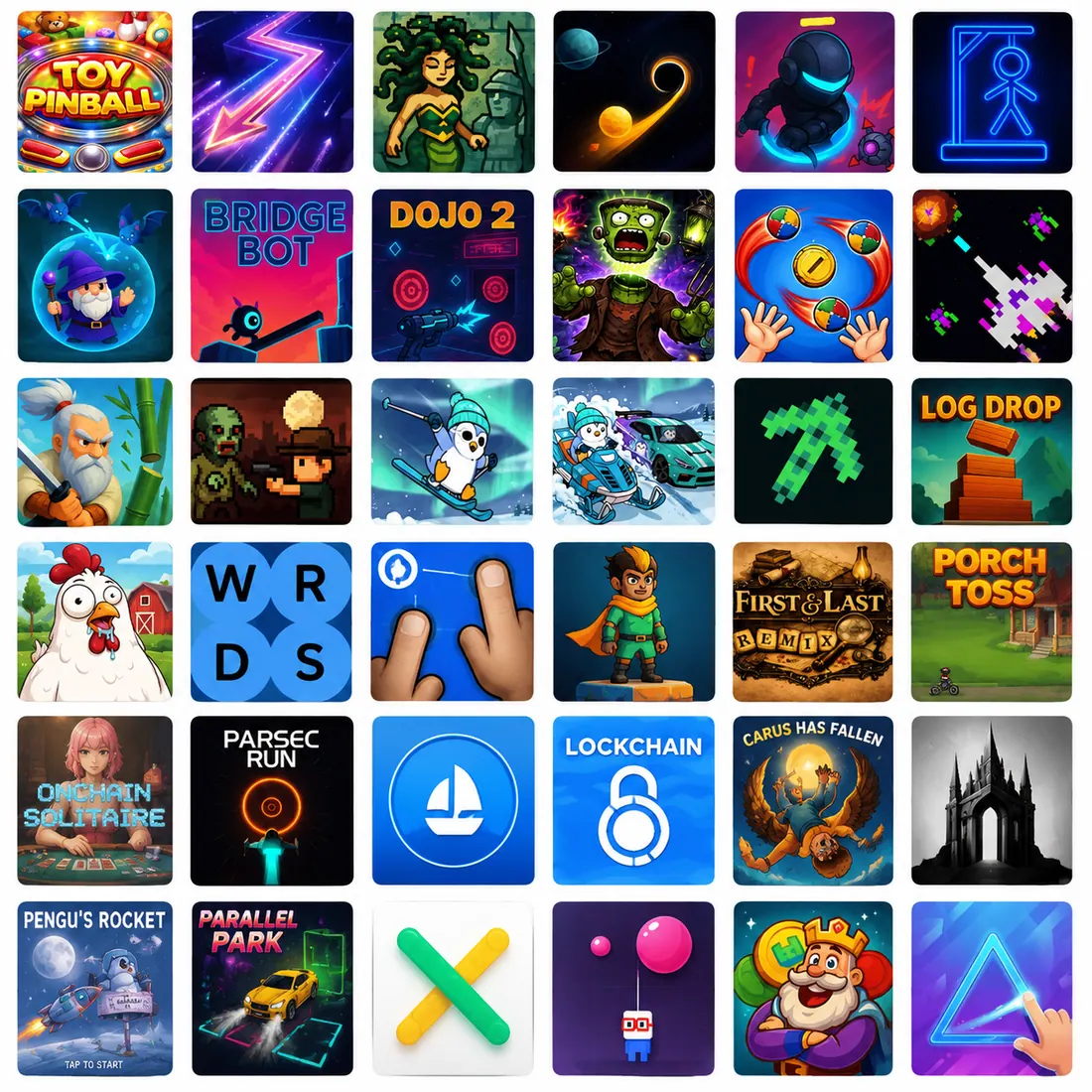
This guide turns that idea into a repeatable production system. You can use it for a browser prototype, a weekend game jam, or a commercial vertical slice. If you want to see how small playable loops feel before defining your own, explore the current Elseland game library and note how quickly each game communicates its goal, input, feedback, and failure state.
Quick read
Key takeaways
- Begin with a one-page game brief and a tiny vertical slice, not a prompt for an entire game.
- Give coding agents bounded tasks, acceptance tests, and permission to inspect the real repository before changing it.
- Use Meshy to generate and iterate on 3D assets, then use Blender for topology, scale, UV, rig, collision, and export checks.
- Treat world models as spatial ideation tools today—not as replacements for Unity, Unreal, Godot, or a production runtime.
- AI accelerates implementation; playability, art direction, scope, security, and release quality still require human judgment.
Map the pipeline before choosing tools
An AI-first workflow is still a production pipeline. Every stage needs an input, an output, and a definition of done. Without those boundaries, a coding agent may rewrite unrelated systems, an art generator may produce assets that cannot animate, and a spatial prototype may look impressive without supporting actual gameplay.
The safest pattern is generate, inspect, constrain, integrate, and test. A human decides whether the output advances the game. The model is a fast collaborator inside that loop—not the owner of the product direction.
| Stage | AI-assisted output | Human approval gate |
|---|---|---|
| Game brief | Core loop, constraints, task specs | Is the idea small and testable? |
| Prototype | Player controller, rules, greybox | Is the loop fun without final art? |
| Assets | Concepts, meshes, textures, scripts | Do style, topology, scale, and rights fit? |
| World layout | Reference scenes and spatial variants | Can the level be rebuilt and navigated? |
| Integration | Import scripts, prefabs, tests | Does the real build still pass? |
| Release | QA checklists and issue triage | Is the game secure, stable, and understandable? |
Write a buildable brief, not a cinematic wish list
Start with one page: player fantasy, repeatable action, goal, loss condition, camera, target platform, visual reference, and a hard list of features that are out of scope. For example: “A third-person forest defense game where the player repairs three shrines while redirecting small enemy waves; one map, one enemy type, ten minutes, keyboard and mouse.”
Then split the brief into repository-readable files. Keep a short game design document, a technical map of scenes and systems, and one markdown specification per substantial change. This mirrors a recurring lesson from AI game developers: large requests become more reliable when they are decomposed into small documents with observable acceptance criteria.
- Define what the player does every five to ten seconds.
- Set a performance target and a target device before choosing asset complexity.
- List required states: start, play, pause, win, lose, restart, and error recovery.
- For every feature, write a test a person or agent can actually run.
Build the core loop before generating final art
Greybox the game with capsules, cubes, flat colors, and temporary audio. Ask the coding agent to implement one vertical path through the experience: load the level, control the character, perform the central action, receive feedback, reach a result, and restart. This exposes design problems while every asset is still cheap to replace.
A useful agent task includes the goal, files in scope, constraints, commands to run, and acceptance checks. Instead of “make combat better,” ask for “add a 0.35-second melee cooldown to the existing player controller, display a hit flash on the target, preserve controller input, add a test for repeated input, and run the current test suite.” The second prompt gives the agent a finish line.
Use coding agents as repository operators
Modern coding agents can inspect files, edit multiple modules, run commands, read errors, and iterate. Their advantage over pasted chat snippets is the closed loop between code and evidence. The practical choice is less about a universal winner and more about which agent follows your repository rules, validates its work, and recovers cleanly when a change fails. Our Claude Code vs Codex game-development comparison provides a stage-by-stage evaluation framework.
Keep one agent responsible for one bounded change. For parallel work, separate ownership by directory or deliverable—for example gameplay code, Blender automation, and QA documentation—and reconcile through reviewed commits. Do not let several agents freely edit the same scene, prefab, or central state manager.
- Ask the agent to explain the existing architecture before proposing a change.
- Require a plan for large migrations and direct execution for small, reversible fixes.
- Keep generated assets and generated code visible in version control.
- Run the actual game or build after structural changes; a successful typecheck is not a playtest.
Use world models for spatial ideation—not as the engine
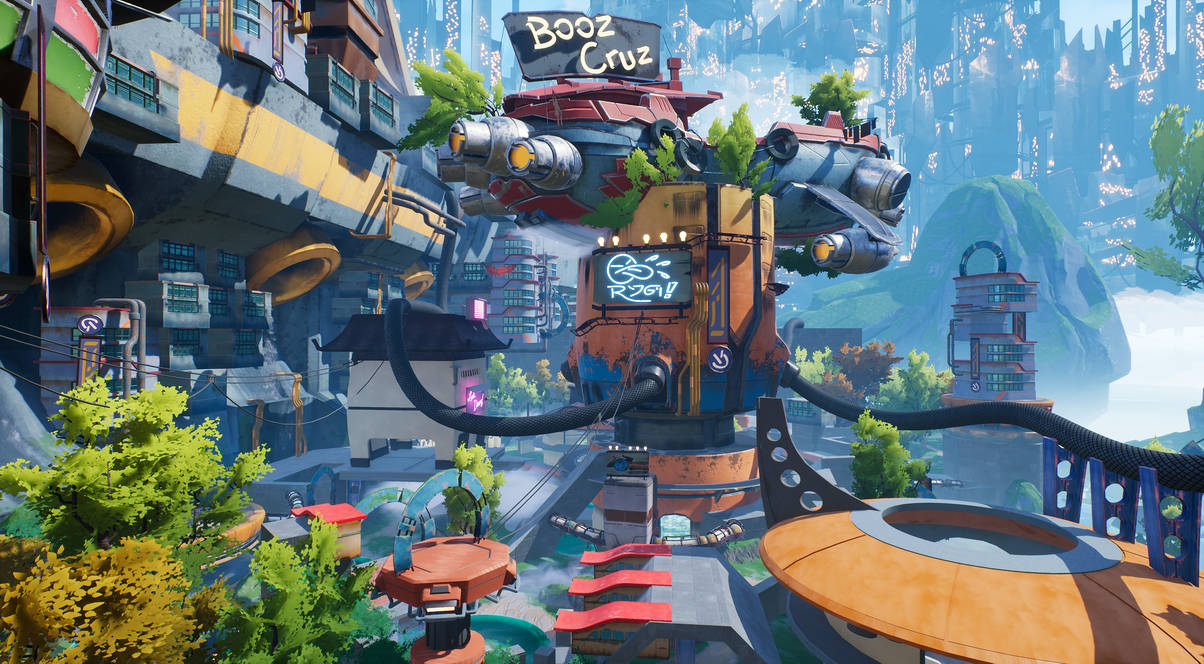
World models such as Google DeepMind’s Genie 3 generate interactive environments from prompts, while World Labs Marble can create and edit persistent 3D worlds from text, images, video, or coarse layouts. These systems are valuable for testing mood, composition, landmarks, sightlines, and possible interactions before a level artist commits to a full build.
They are not yet a drop-in replacement for a deterministic game engine. Current limitations include action range, duration, exact geography, text rendering, multiplayer consistency, physics control, and export quality. Capture a world-model session as a design reference; then rebuild the approved space in an engine with explicit geometry, collision, navigation, triggers, lighting, and performance budgets.
Also keep the terminology straight: Anthropic’s Claude Fable 5 is a general AI model for long-horizon agentic and coding work. It is not a world model. It can help plan or implement the pipeline, while Genie, Marble, and related systems are the tools generating or simulating spatial environments.
Generate with Meshy, finish with Blender
Meshy’s documented game-asset workflow is Generate, Remesh, PBR Texture, Rig, and Export. That makes it useful for prototypes, stylized props, enemy variants, and placeholder environments. The output still needs production checks, especially when the asset will deform, collide, or appear close to the camera.
Bring the selected result into Blender. Confirm real-world scale and transforms; inspect normals, UVs, material slots, texture resolution, triangle count, pivot position, LOD needs, collision shape, and rig behavior. Blender’s own retopology guidance notes that automatic remeshing does not necessarily produce final topology for deforming characters, so hero characters and complex creatures often need manual cleanup.
| Check | Prototype asset | Production asset |
|---|---|---|
| Topology | Reasonable silhouette and budget | Deformation-friendly edge flow |
| Materials | Readable PBR set | Consistent channels and packed textures |
| Rig | Basic motion works | Named bones, tested weights, root motion decision |
| Collision | Simple primitive | Purpose-built collider and gameplay test |
| Export | Loads in engine | Preset, scale, LOD, naming, and version checks |
Automate repetitive Blender and engine work
Coding agents can write Blender Python scripts for deterministic cleanup: rename objects, apply transforms, validate triangle budgets, resize textures, assign export collections, create simple colliders, and batch-export FBX or glTF. Start with a copy of one asset, run the script, inspect the scene, and only then scale it to a folder.
The same approach works on the engine side. Generate import presets, folder conventions, prefab scaffolds, material mappings, and validation scripts. Save these scripts in the repository so the pipeline is reproducible. If a model is regenerated, you should be able to repeat the transformation without remembering a sequence of manual clicks.
Treat QA as a continuous stage
AI-written games often fail at the seams: a client trusts data it should verify, a fix touches an unrelated system, a generated scene works only in one resolution, or a save migration loses progress. Run a fixed test scene after any large change and preserve a small regression suite for movement, combat, save/load, restart, purchases, and account boundaries where relevant.
Before release, test the packaged build on the target hardware—not only the editor. Verify crash reporting, secrets, input remapping, offline behavior, backup restoration, analytics consent, accessibility basics, and the first five minutes with a person who has never seen the project. AI makes fixes faster, but it can also produce more surface area to verify.
- Keep secrets and authoritative game state off the client.
- Review diffs for unrelated changes before accepting an agent result.
- Test win, lose, restart, resume, and interrupted-session paths.
- Archive the exact model, prompt, asset source, and license context for shipped content.
A practical seven-day vertical-slice plan
Day one produces the brief, repository map, and greybox. Days two and three implement the core controller, central mechanic, one enemy, feedback, and restart. Day four explores visual direction and generates a small asset set. Day five cleans those assets in Blender and automates export. Day six integrates the environment, audio, UI, and performance budget. Day seven is reserved for playtesting, regression fixes, packaging, and a short postmortem.
The point is not the exact calendar. It is the order: prove play, then improve presentation, then harden the build. Whenever a generated output fails its approval gate, revise that stage instead of allowing the uncertainty to flow downstream.
Frequently asked questions
Can AI make a complete indie game by itself?
AI can produce substantial code, art, audio, documentation, and tests, but a shippable game still needs coherent direction and human verification. Scope decisions, play feel, rights review, security, performance, platform compliance, and final quality do not disappear when generation becomes faster.
What should I automate first in an AI game workflow?
Automate repetitive, reversible work with clear checks: project scaffolding, import presets, asset naming, validation scripts, test generation, and batch exports. Delay high-impact automation—save migrations, economy changes, networking, or purchases—until you have tests and an experienced reviewer.
Is Claude Fable 5 a world model?
No. Claude Fable 5 is an Anthropic model aimed at long-horizon agentic, coding, and knowledge work. World models such as Genie 3 or Marble generate or simulate interactive environments; a model like Fable 5 can help plan, script, and evaluate how those tools fit into a production pipeline.
Can a world model replace Unity, Unreal, or Godot?
Not for a conventional production game today. World models are promising for spatial ideation and interactive concept exploration, but engines provide deterministic rules, physics, navigation, UI, persistence, networking, performance control, packaging, and platform support.
Are Meshy assets ready to ship directly?
Some generated props may need only light cleanup, but readiness depends on the camera, animation, style, and performance target. Inspect topology, scale, UVs, materials, textures, pivots, collision, rigging, LODs, and license context before treating any generated asset as final.
Why use Blender after generating a 3D model?
Blender is the controllable finishing environment. It lets you repair geometry, retopologize, adjust UVs, standardize scale, refine materials, paint weights, build collision, create LODs, and export with consistent presets that your engine can validate.
How do I stop coding agents from breaking unrelated systems?
Constrain each task by files, behavior, tests, and explicit non-goals. Ask for a plan before broad edits, review the diff, run a fixed regression scene, and use version-control checkpoints so a failed approach can be reverted without losing approved work.
Which game engine is best for an AI-assisted workflow?
Choose based on the game and team, not the model. Godot can be approachable for small open-source projects, Unity has a large tooling ecosystem, Unreal is strong for high-end 3D, and browser stacks are fast for shareable prototypes. The best option is the one your team can build, test, profile, and ship reliably.
Sources and further reading
- r/aigamedev: an AI-first indie game pipeline
The community workflow that inspired this stage-by-stage production breakdown.
- Meshy documentation: game assets
Official generation, remeshing, texturing, rigging, and export workflow.
- Blender manual: retopology
Official guidance on remeshing limits and manual topology cleanup.
- Google DeepMind: Genie 3
Official overview and current limitations of a real-time interactive world model.
- World Labs: Marble
Official overview of persistent 3D world generation, editing, and export.
Next step