This simulation game mods guide starts with recovery, not a long download list. Record the game version, protect a copy of your saves, install only supported dependencies, and test one small change before building a large setup. The goal is a repeatable process you can undo—not a promise that a mod pack is safe or compatible forever.
Plan the change before you install
Pick one goal: a visual change, a quality-of-life adjustment, or new content. Read the author’s supported game version, required expansions, loader requirements, and dependencies. Platform support matters: a PC mod workflow cannot automatically be transferred to a console or browser game.
Use the creator’s or maintainer’s documented distribution link, and avoid repackaged archives or unexplained executable installers. Popularity is not a security review. A mod loader can help with compatibility reporting without guaranteeing that every downloaded file is trustworthy.
Appearance changes and rule changes create different risks
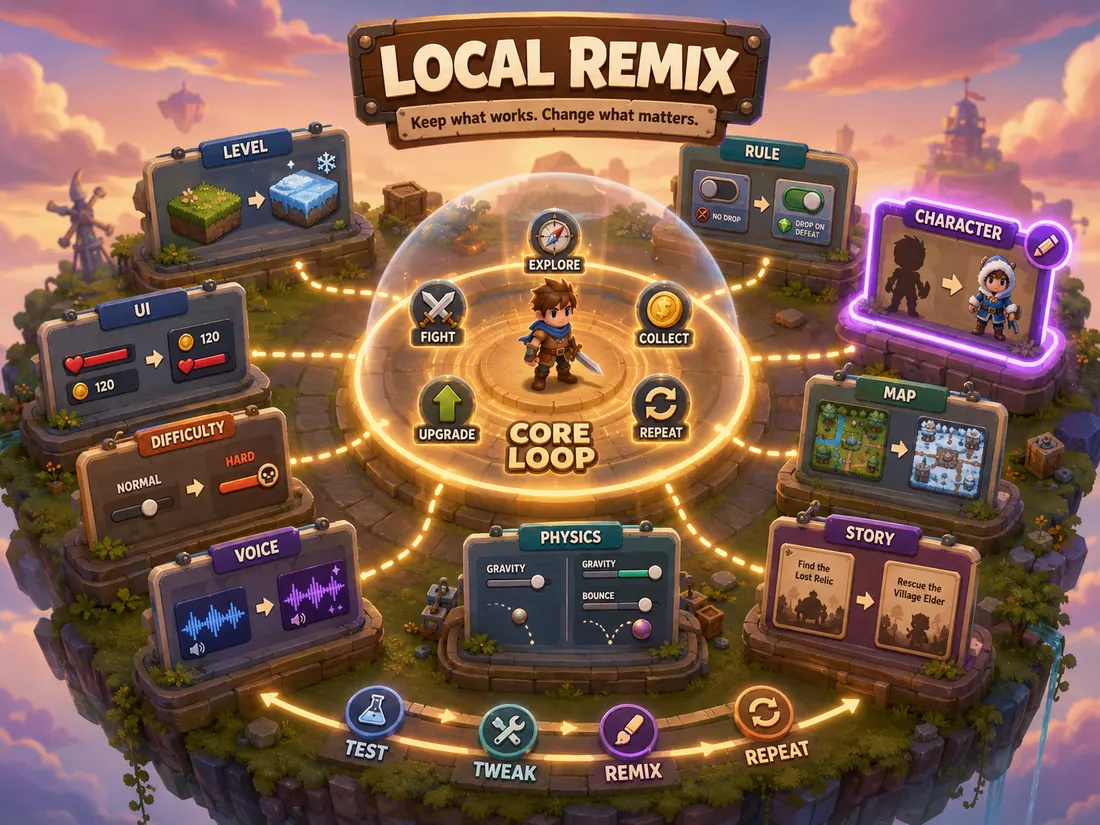
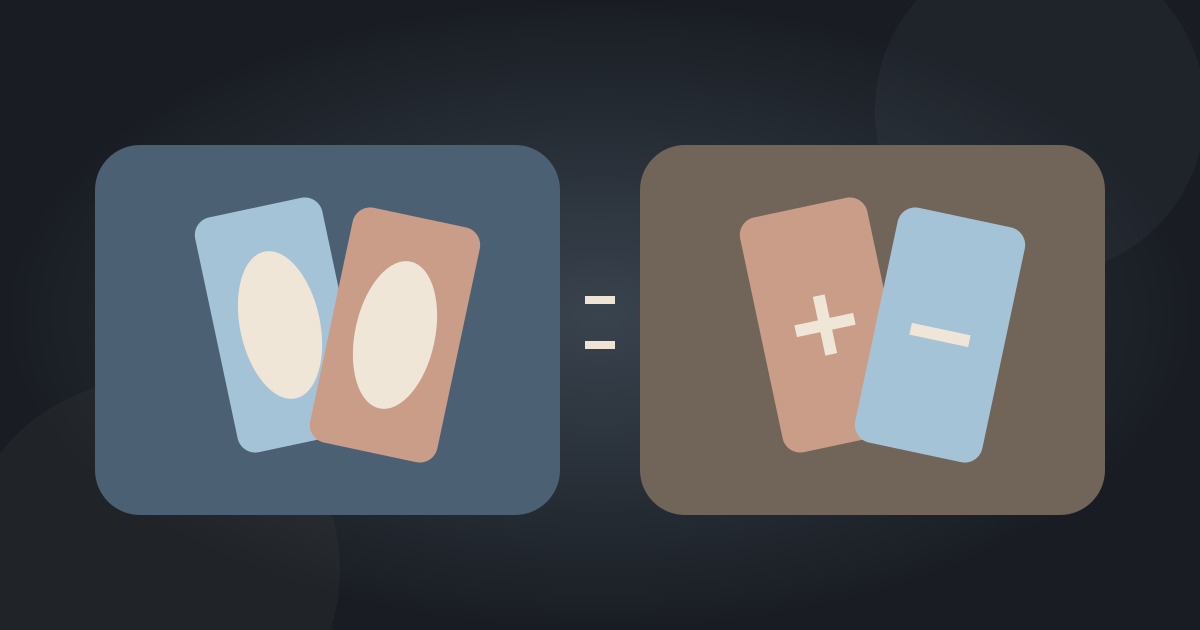
A custom object or texture changes what you see; a gameplay mod may change the rules you rely on. That distinction is more useful than grouping every download into one enormous pack. EA separates custom content and game mods in its support guidance, while SMAPI documents a loader-centered ecosystem for Stardew Valley. The installation and recovery procedure must follow the relevant game, not a universal folder recipe.
Start from the desired change. If a visual replacement solves it, do not add an unrelated script system. If a gameplay change requires a library, treat that dependency as part of the setup rather than an optional extra.
A simulation game mods guide you can reuse
Keep a small setup record outside the game folder. Write the game build, loader build, each mod’s version, source, dependencies, and last successful test. That record gives you something concrete to compare after a patch.
| Checkpoint | Record or test | Do not proceed if |
|---|---|---|
| Backup | Dated copy of saves and configuration | You cannot identify what would be restored |
| Compatibility | Game, loader, mod, and dependency versions | The author has not confirmed the required build |
| Baseline | A clean session before adding mods | The unmodified game already fails |
| Small batch | One mod or one dependency group | Errors appear or expected content is missing |
| Recovery | Restore the recorded working setup | The only available save has been overwritten |
A worked setup record you can actually restore
Use a hypothetical setup to practice the record: game build A, loader build B, library C, and one mod D. Keep the exact versions and original download locations beside a dated backup. “Latest” is not a recoverable version label; it changes over time. Do not share license-restricted files when asking for help.
After a successful disposable-save test, record what you checked: launch, load, one affected interaction, and any log errors. A title screen alone does not prove that a mod works. Preserve both the configuration and the source of each component so a later change can be compared with something concrete.
Protect the original save and establish a baseline
Close the game before copying saves and configuration to a separate dated location. Verify the copy exists, and use a disposable test save for the first launch. A backup stored only beside files you are about to replace is easy to overwrite accidentally.
For The Sims 4 specifically, EA’s update guidance says to check the game with mods disabled and exit without saving; saving while custom content is absent may remove that content from the save. Preserve that game-specific warning rather than turning it into a generic “save after every test” instruction.
Install the right loader, then a small dependency group
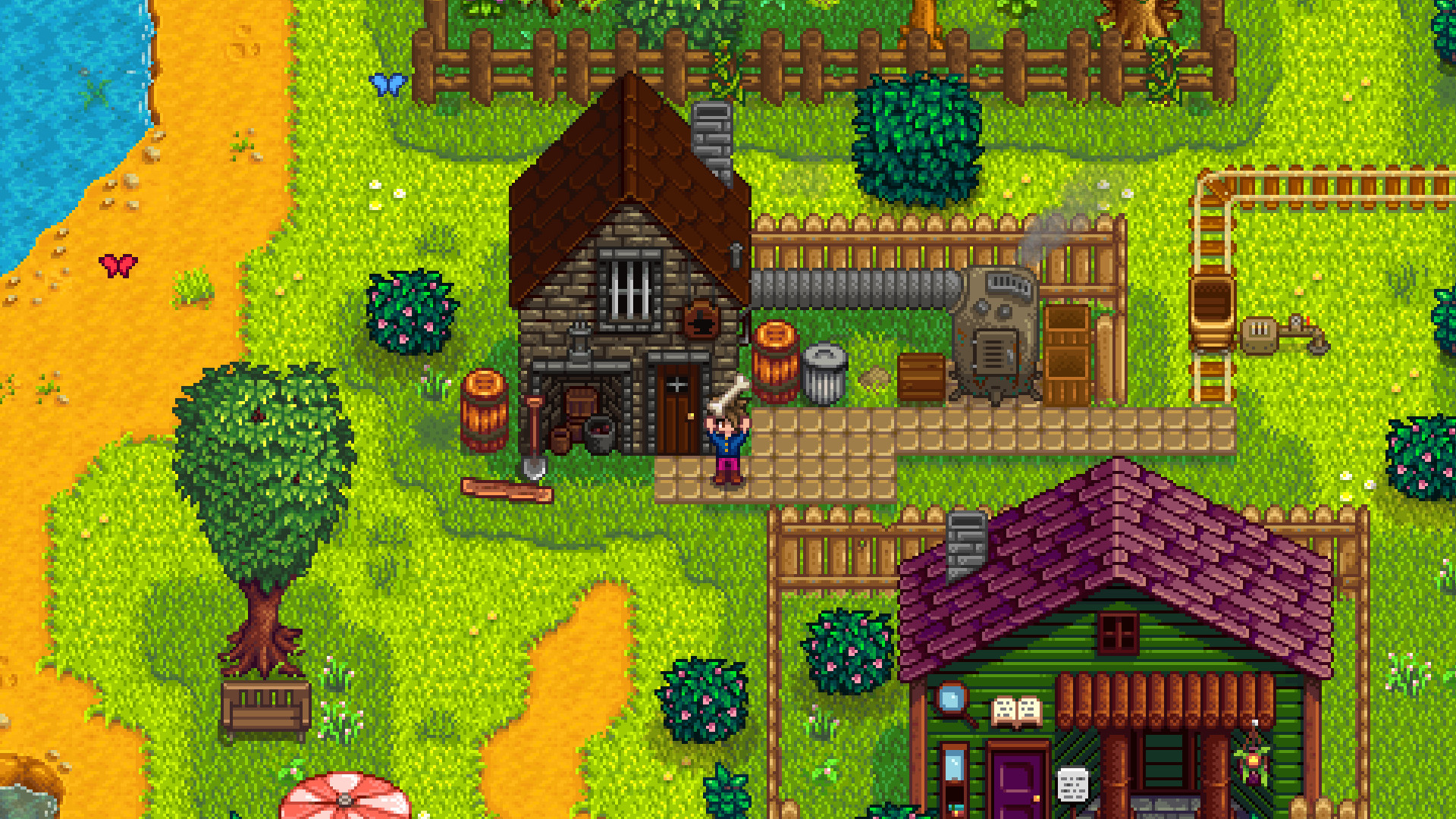
Stardew Valley’s SMAPI maintainer site provides the loader, player guidance, and compatibility tools. Follow the guide for your operating system and current game build rather than copying a path from an unrelated tutorial. The SMAPI compatibility list can help check known mod status.
Add a single mod and its required dependencies, then launch a test session. Confirm that the intended change appears and inspect available logs. Keep the previous working set intact until the new one passes your basic checks.
An update incident: distinguish a missing library from a conflict
Suppose the unmodified game still loads after a patch, but the modded setup reports that library C is unavailable. First check the loader and dependency documentation, supported versions, and installation instructions. Adding unrelated mods cannot satisfy a missing requirement. If the library is recognized but the affected interaction still fails, you have a different problem to investigate.
This is a hypothetical diagnostic case, not a captured SMAPI error or a promise that reinstalling always works. Use the actual log wording. Keep the protected save untouched while testing; for Sims 4 checks with custom content absent, retain EA’s specific exit-without-saving precaution.
When something breaks, isolate rather than pile on fixes
First separate an unmodified-game failure from a mod-only failure. If only the modded session breaks, return to the last working group and reintroduce changes in small batches. Check dependencies together; separating a mod from a library it requires creates a new, misleading error.
After a game update, check author compatibility notes before re-enabling the whole setup. Record the error, affected mod versions, and the last successful build if asking for help. If you cannot establish a compatible setup, use the protected original save and wait for maintained updates instead of overwriting your only recovery point.
| Record | Write down | Why it helps |
|---|---|---|
| Last working setup | Game, loader, and mod versions | Identify a recoverable baseline |
| First failure | Exact error and changes since the baseline | Avoid changing unrelated components |
| Retest | Dependency group, test save, and result | Separate a suspected conflict from a new missing dependency |
Use the 50/50 idea without breaking dependency groups
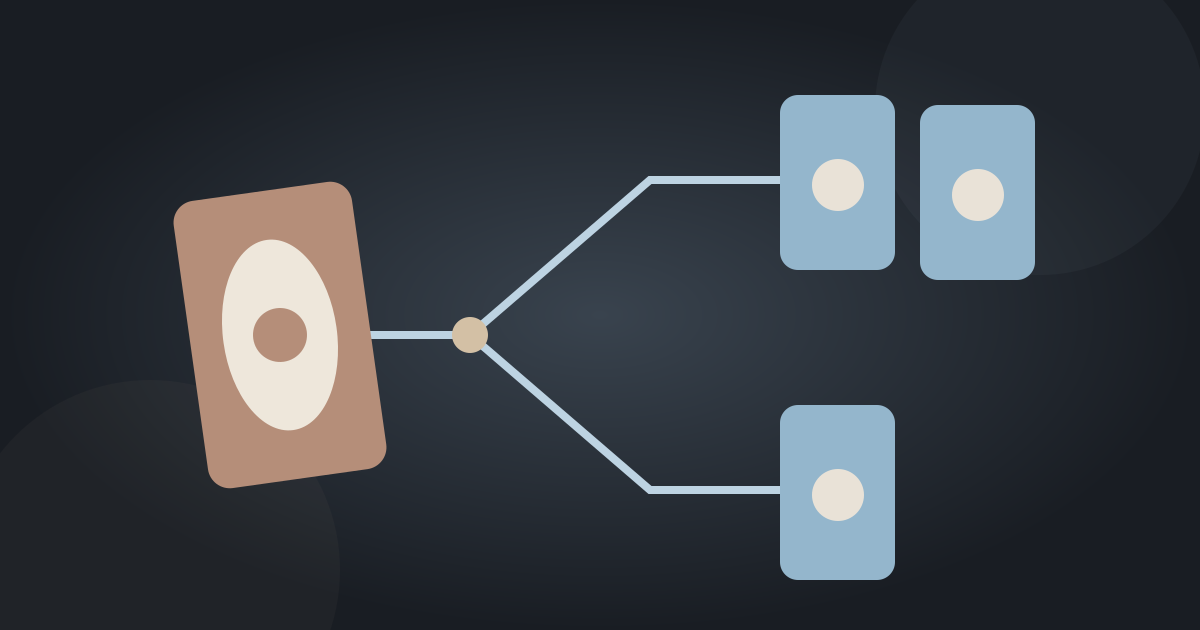
EA describes testing batches and repeatedly halving a suspected batch. Apply that idea to independently testable groups, not arbitrary individual files. A mod and its required library belong together; shared libraries may need to stay available to several groups. Otherwise, removing half the files creates missing-dependency errors instead of isolating the original failure.
A failure that appears only when two individually working groups are combined is a possible interaction, not proof that either group is universally broken. Keep a test log, return to the baseline between trials, and stop if you cannot protect the save. Check the game’s own documentation before generalizing this method to another mod ecosystem.
Send a useful report, not just “the game is broken”
A useful support report names the game build, operating system, loader, mod versions, dependency group, exact error, and shortest repeatable action that triggers it. State whether the clean baseline works and whether the problem appears on a disposable save. Remove personal paths, account details, or unrelated private information from shared logs.
Do not claim a compatibility listing is a safety certification. If a maintained compatible setup is not available, pausing the mod change is a valid outcome. The objective is a working game with a recovery path, not the largest possible mod folder.
Next step