Free simulation games with no download work best when you choose an activity you want to inhabit: arranging a garden or exploring a house as a cat. Start with Garden Queens 3D for garden tasks, or Cat Life Simulator: Devil Cat for household chaos. Fruit Farm Frenzy is a separate farm-themed shooting pick: you fire fruit at animals rather than sort a harvest, fill orders or manage crops.
Compare free simulation games with no download
This shortlist separates simulation activities from farm-themed shooting. Browser access means there is no separate installer; assets still need to load over the network. Starting a preview without a purchase does not promise an ad-free experience, offline support, or unlimited free access to every app feature.
| Game | Main activity | Best fit | Tradeoff |
|---|---|---|---|
| Garden Queens 3D | Garden tasks and arranging a space | Gentle, visible progress | Not a full household life simulation |
| Cat Life Simulator: Devil Cat | Explore and disrupt a house as a cat | Short, mischievous sandbox play | Movement and action controls need more space |
| Fruit Farm Frenzy | Aim fruit projectiles at animal targets | Ricochet and shot planning | Orchard defense, not crop management |
From Flash portals to modern browser play
Browser games are not a new genre, and a browser is not a simulation mechanic. Earlier game portals often depended on Flash. Adobe’s retirement notice records the end of Flash Player support on December 31, 2020, followed by content blocking on January 12, 2021. It also identifies HTML5, WebGL, and WebAssembly as modern alternatives. That background explains why an old game link and a current browser preview can have very different requirements.
It does not identify the engine of these particular games or prove that an old Flash title has been preserved. For a player, the practical question is whether the current preview loads and exposes usable controls—not whether an archive once called it a simulator.
Garden Queens 3D: shape one corner at a time
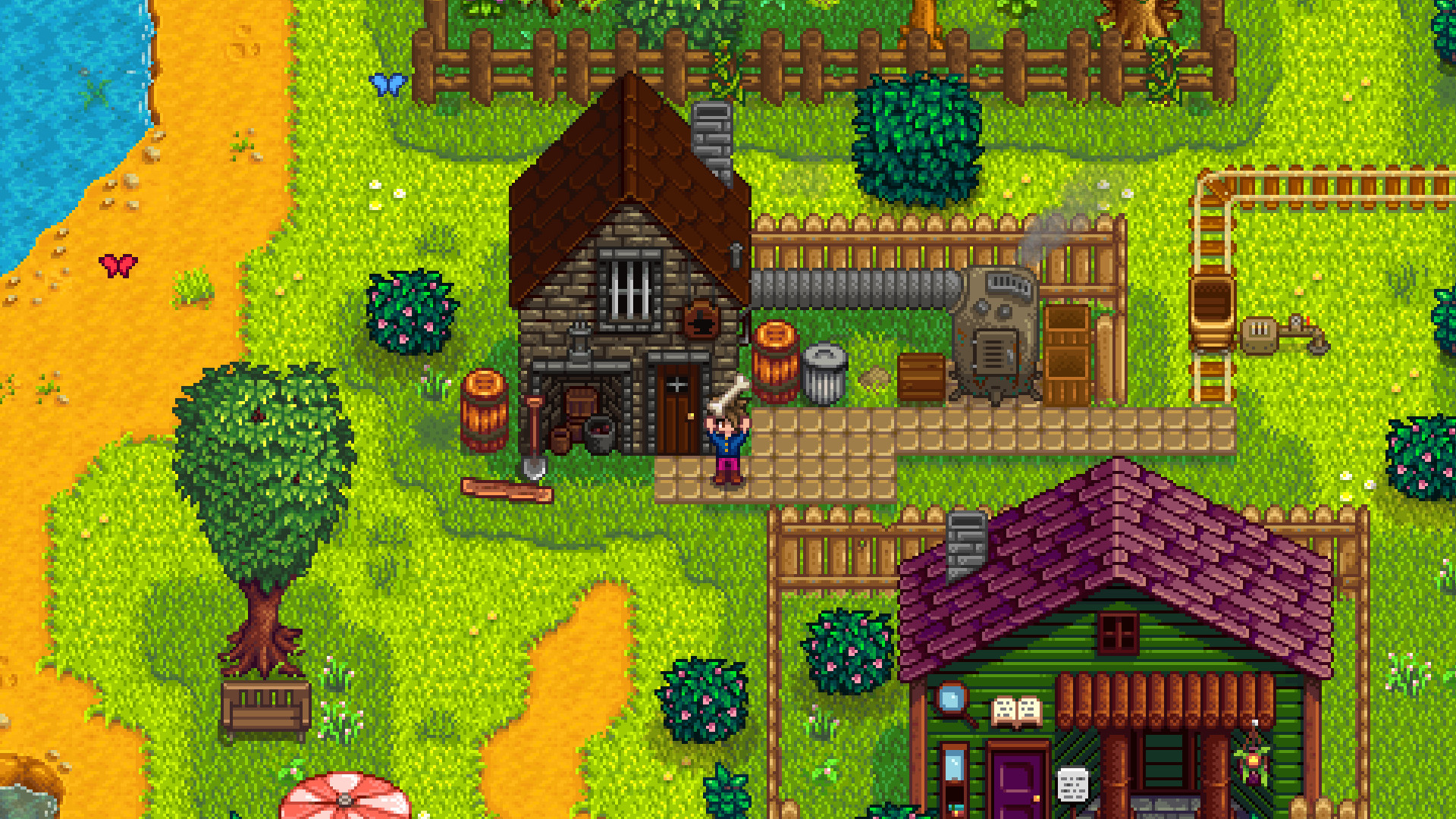
The Garden Queens 3D page describes a garden loop built around small tasks and arranging the environment. Choose it if your goal is improving a colorful space, not managing a household economy or pursuing realistic botany.
For a first session, identify one visible objective and finish it before roaming for another. That gives you a clearer sense of whether the activity itself is satisfying. The garden setting is the appeal; do not read a farming system into the name.
A garden opening: learn the task before redesigning everything
Use this suggested opening plan, not a promised sequence of unlocks: read the active objective, find the object or area it refers to, complete one task, then inspect what changed. If arranging a space is available, work on a single corner so you can compare its before-and-after appearance. Do not assume there is a crop calendar, irrigation economy, or botanical accuracy unless the game demonstrates it.
The important discovery is what makes progress meaningful to you. A visible improvement can be enough for a short break; a player seeking seasonal planning may want a different game. Finish one loop before judging the whole experience from its setting.
Cat Life Simulator: Devil Cat: a different kind of everyday life
The distributor’s Cat Life Simulator description presents a mischievous cat exploring and causing trouble in a house while avoiding Granny. It suits players who want movement and physical comedy rather than decorating or relationship management.
Read the current objective and learn movement before trying to interact quickly. A compact phone display may make simultaneous navigation and actions awkward. If you wanted peaceful pet care, this destructive premise is the wrong fit.
A cat opening: movement, one interaction, then a route out
For the cat sandbox, make your first objective learning the room rather than causing as much chaos as possible. Locate an interaction, practice approaching it without overshooting, and notice the route you could use to move away from Granny. These are learning goals inferred from the documented premise, not a claim about a particular level, scoring bonus, or guaranteed escape.
If repeated movement feels awkward, change the screen arrangement before concluding that the game lacks depth. Conversely, if you dislike chasing and disruption even with comfortable controls, choose the garden. The distinction is between two activities—not simply two different cover images.
Fruit Farm Frenzy: orchard defense, not farming
The published Fruit Farm Frenzy preview and game script show an orchard-defense shooting game. Choose a fruit, press on the field with the mouse or a finger, adjust your aim and release to launch. The objective is to clear animal targets with limited fruit. Different projectiles can ricochet, burst or split; they are not items to sort into customer orders.
Plan an angle around the target layout and obstacles, wait for the projectile to stop, and check the remaining animals and ammunition. Earned points can buy fruit in the orchard shop. Choose this for aiming and resource decisions, not seasonal planting, livestock management or an open-ended garden. A farm setting and a “simulator” URL do not establish farming mechanics.
One break, three different kinds of progress
A garden break can center on improving one area. A cat break can center on completing an interaction without losing your bearings. An orchard-defense break can center on selecting a fruit, planning an angle and observing which animal targets remain after the shot. These are suggested learning goals, not advertised time limits or promised outcomes.
Afterward, ask what you enjoyed repeating: shaping a place, navigating a physical space, or planning a projectile path. Also ask whether stopping felt easy. Browser access does not guarantee a persistent world. Keep a long-term project elsewhere if resume behavior has not been verified, and do not mistake fruit ammunition and animal targets for crop production or customer-order matching.
A two-minute browser readiness check
Check four things before settling into a long session: does the preview start, are the controls readable, can you find any save or resume option, and what happens when you reopen the page? Test persistence with an expendable session instead of assuming a tab remembers everything.
Use a current compatible browser and allow the game time to load. If a 3D preview struggles, close heavy tabs or try a larger screen. No download is a convenience claim, not a guarantee that every device runs every game smoothly.
| Check | Try | If it fails |
|---|---|---|
| Controls | Read and use the main action | Try a wider view before a long session |
| Resume | Reopen an expendable session | Treat progress as temporary until verified |
| Performance | Load one 3D preview with fewer tabs | Choose a lighter activity if it still struggles |
Next step