You ask an assistant to inspect keyboard controls, then realize the next version must support touch. GPT-6 Astra mid-turn steering is designed for that kind of change during an active task. It can redirect subsequent work through a supported integration, but it cannot make a completed edit or a dispatched tool call disappear.
This is a documentation-based guide. The examples below are proposed application designs, not demonstrations we executed against a paid API account.
Quick read
Key takeaways
- A new requirement does not undo an action already completed.
- Track planned, running and completed work separately.
- Recheck approval when the action or destination changes.
What mid-turn steering changes
The official steering documentation describes support for GPT-6 Astra over a WebSocket connection to the Responses API. It explicitly distinguishes steering from undoing earlier actions: already delivered output is not rewritten, and tools that have started are not automatically cancelled.
That distinction should shape the interface. “Change the requirement” and “stop the operation” need different meanings. If a user changes a destination while an external write is in flight, the application cannot safely assume that the write never happened.
A good status message explains what is still pending and what is already complete. “The new requirement will apply to the next work” is clearer than silently replacing the original request and making the user guess which instructions governed the last action.
Follow the steering event sequence
Streaming shows output as it arrives. Steering changes the instructions that should guide subsequent work. A product can support one without exposing the other.
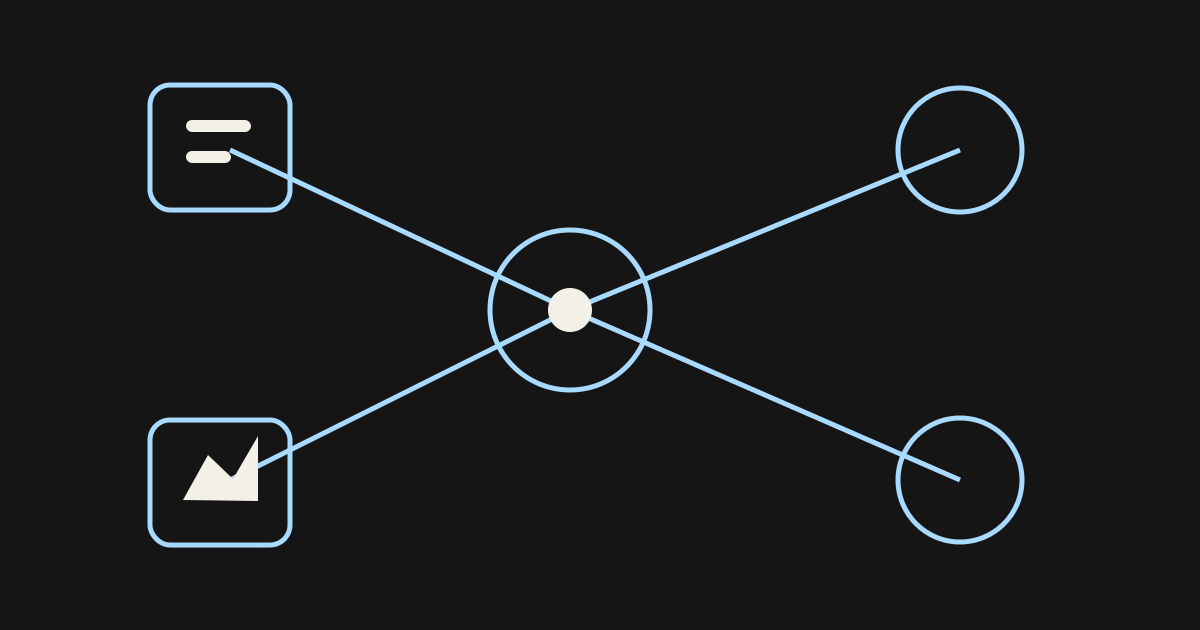
In the documented WebSocket flow, start with response.create and wait for response.created. Send response.steer on that same connection with the response ID as previous_response_id and the revised instruction as input. The response.steer.accepted event confirms that the update is queued, not that all revised work is finished. If required tool results or approvals are missing, response.steer.pending identifies them. Track the resulting continuation separately from the original response.
Likewise, an ordinary follow-up message after completion is not the same interaction as an update during a running response. Keep these paths distinct in application logs so that a reviewer can reconstruct the task correctly.
The GPT-6 Astra guidance identifies mid-turn steering among the model's newer workflow capabilities. That does not mean every chat box or third-party application implements the required event handling. Verify the interface you use, not just the model name printed beside it.
For your application UI, separate “update received” from “new work completed.” Show the active requirement beside the operation that is still running. This is a recommended interface design, not a claim that the API supplies a complete task dashboard.
Write an update that preserves the useful work
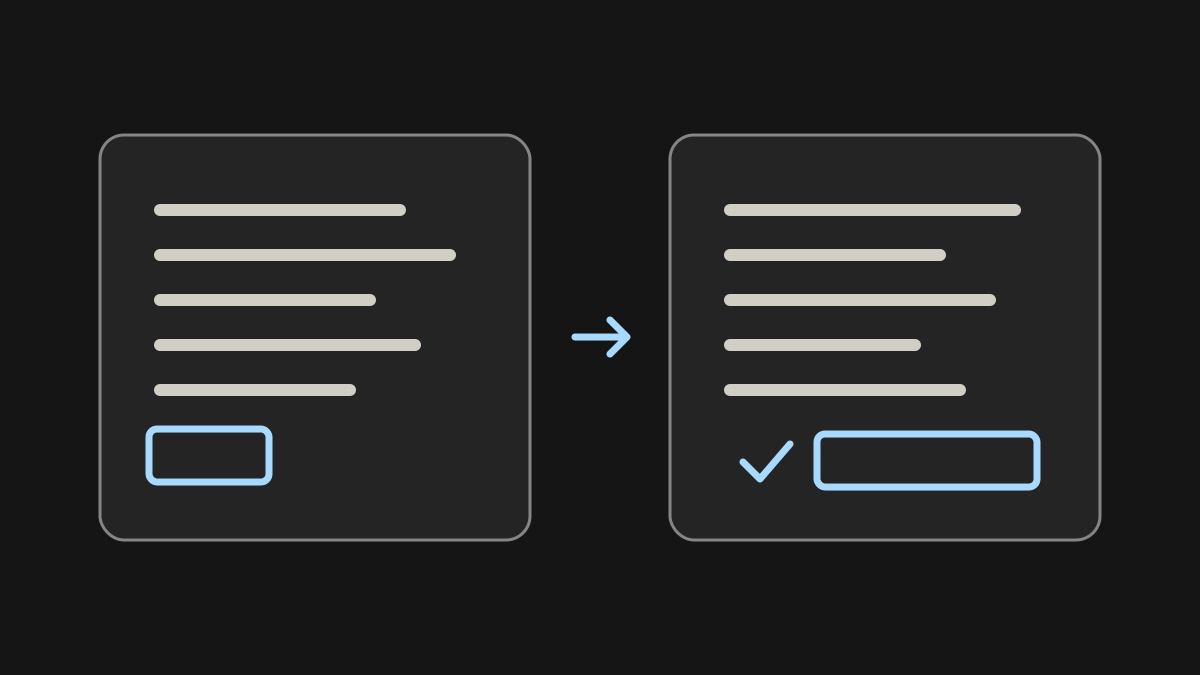
A useful mid-task update says what changed, what stays the same and what must not happen next.
For example: “Keep the existing desktop layout. Change the next iteration to focus on touch controls. Do not publish or replace the current build.” This preserves useful context while narrowing the next action.
By contrast, “Make it different” forces the assistant to infer whether the user wants a new goal, a visual revision or a stop. An interface can help by showing the active objective and letting the user edit a concrete requirement.
When the update conflicts with completed work, acknowledge the conflict explicitly. The user may want a correction, but that is still a new action with its own scope and consequences.
Suppose an assistant is reviewing a prototype's keyboard controls when the designer adds a mobile requirement. The useful update is not “redo everything.” It is “retain the gameplay objective, inspect touch input next and do not modify the existing keyboard behavior.”
The assistant's earlier observations may remain valuable. New tests should cover touch targets, accidental repeated input, orientation changes and whether the same action has consistent feedback. These are suggested checks, not claims about Astra's measured performance.
To make the touch-control brief concrete, try arcade games and note how taps, held inputs and rapid repeated actions are communicated. Use those observations to specify the next review pass; do not infer which model, if any, produced the games.
| Part of the update | Example requirement |
|---|---|
| Preserve | Keep desktop controls and the gameplay objective. |
| Change | Review touch targets and repeated taps next. |
| Restrict | Do not edit, upload or publish the current build. |
| Report | Identify which earlier findings still apply. |
A task-state model for changing requirements
Keep planned, in-flight and completed work distinguishable in the application record.
This table is an application design aid, not a replacement for the API event reference. It helps prevent a common mistake: treating every task as though it were an editable paragraph.
Associate tool results with their originating operation. A late result should not be mistaken for evidence produced under the new requirements. If the result is stale, it may still need to be recorded even when it is no longer suitable for the next decision.
Consider this hypothetical sequence: a read begins under requirement A; the user submits requirement B; the old read returns. Store the result under A, then decide whether it also answers B. Do not relabel it as a new check. A result about keyboard handling, for example, does not establish that touch controls work.
| State | Example | Response to a requirement change |
|---|---|---|
| Planned | A proposed edit has not started | Re-evaluate it against the new requirement |
| In flight | A tool has been dispatched | Track its result and check whether it is still useful |
| Completed | A file was changed or an output delivered | Report the effect; use a separate corrective action if needed |
Keep side effects behind application controls
The model should not be the only safeguard between an ambiguous update and a consequential operation. An application can maintain a queue of proposed writes, require approval for high-impact steps and check that the approval still matches the latest task.
For example, if a user approved a draft upload and then changed the target project, the old approval should not silently transfer to the new destination. Revalidate the destination and intended content.
The same principle applies to external messages, purchases, deletions and deployment. Steering can help an assistant understand a revised objective; it does not provide a transaction system or a rollback guarantee.
For read-only operations, the consequence of a late result is usually wasted work or confusion. For writes, it may be a real state change. Design and test those cases separately.
Test updates at the inconvenient moments
The following cases form a proposed integration test plan. They have not been executed for this article.
For each case, specify the user-visible status, whether a new action may begin and how the application records completion. Judge success by consistent behavior, not merely by whether the model acknowledges the new message.
- The update arrives before any tool starts.
- It arrives while a read-only tool is running.
- It arrives while a write is already in flight.
- Two updates arrive with conflicting requirements.
- The connection drops before the user sees confirmation.
- A late tool result belongs to an earlier task version.
Make the next action visible
A reliable steering experience makes three things visible: the current objective, the work already completed and the next action awaiting permission. The user should not need to infer those from a long transcript.
The practical benefit is less avoidable restarting, not unlimited autonomy. Keep changes reviewable and preserve an honest account of what happened.
For a fresh interaction brief, explore the game library and choose one control behavior to inspect. Keep the exercise narrow enough that a mid-task change can be stated precisely: what stays, what changes and what must wait for approval.
Sources and further reading
- official steering documentation
WebSocket steering events and limits, checked September 14, 2026. The integration examples are proposed designs, not executed tests.
- GPT-6 Astra guidance
Model-level feature context; does not establish support in every application or account.
Next step