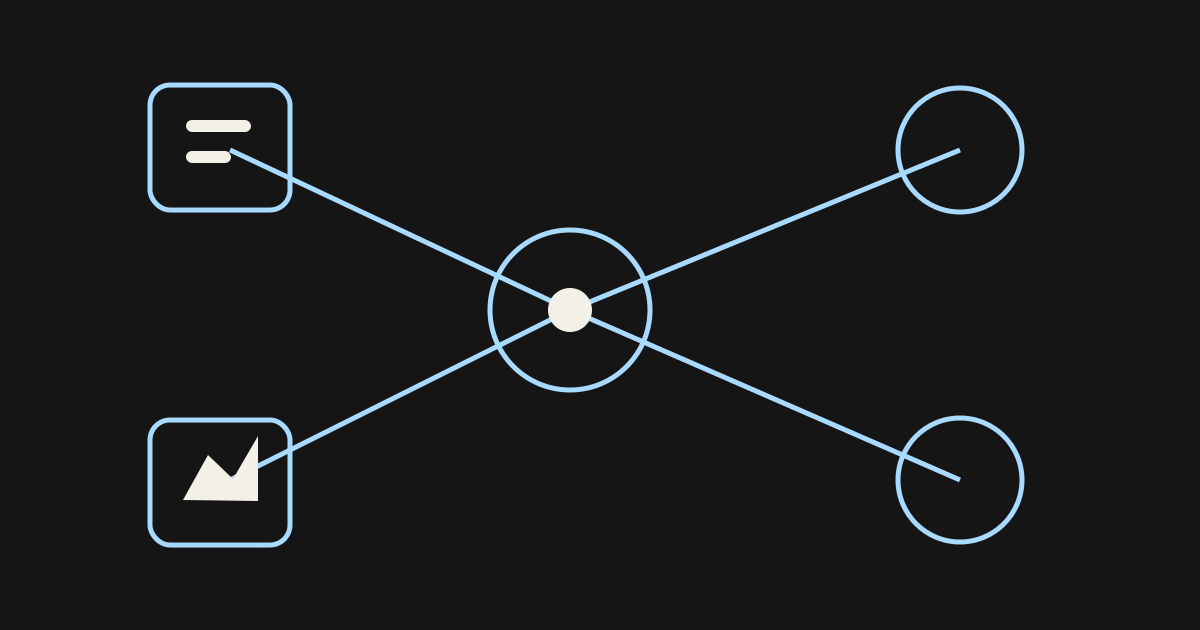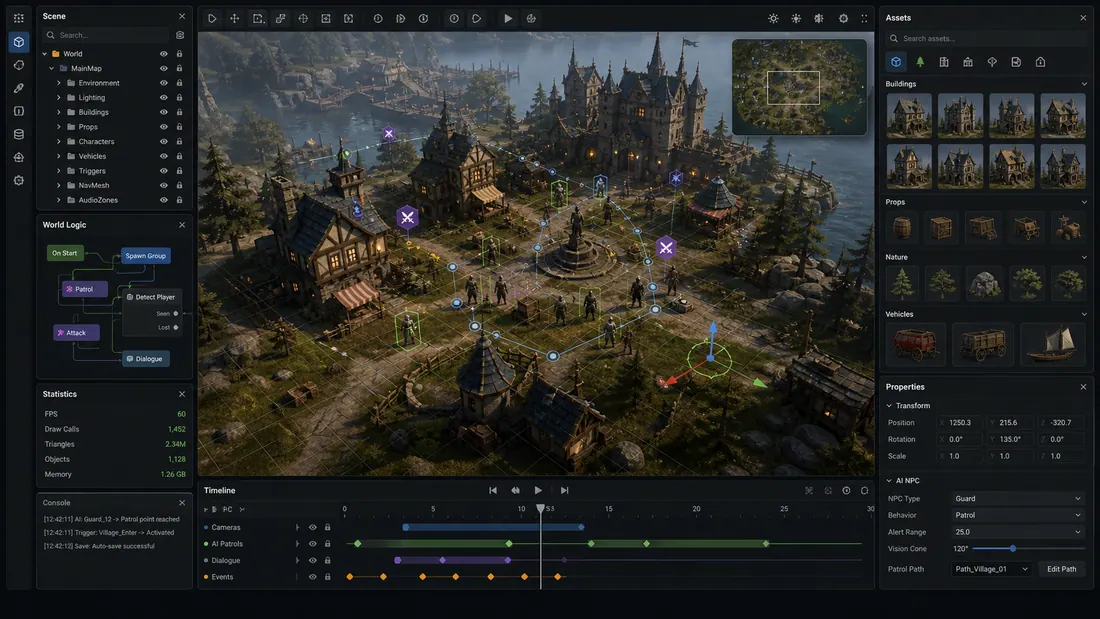
When people ask what AI can make games in engines, they often mix three different categories: an assistant that edits the project, a generator that produces code or assets outside the engine, and runtime AI that controls NPC behavior. If the engine is not chosen yet, an AI game maker can validate the loop before you commit to a production stack.
The most useful answer depends on which category you mean. Native or connected assistants have the most context, while external generators offer more choice but require a deliberate handoff.
Quick read
Key takeaways
- Unity AI and Roblox Assistant can act with direct editor or project context.
- Unreal Engine has deep gameplay AI systems, but those are not the same as a generative project assistant.
- External tools can generate code or assets for any engine, but import and validation remain your responsibility.
- Always use version control and review diffs before keeping AI-made changes.
AI That Works With Game Engines
| Engine or workflow | AI route | Can change project context? | Documented requirement or limit | Best use |
|---|---|---|---|---|
| Unity 6.0+ | Unity AI Assistant or MCP | Yes, with configured access | AI packages plus a linked Unity Cloud project | Scene, GameObject, and workflow assistance |
| Roblox Studio | Roblox Assistant or Studio MCP | Yes | Generated mesh default: 10,000 triangles | Scripts, instances, assets, meshes, and playtests |
| Unreal Engine | External coding agents plus engine tools | Depends on integration | No first-party whole-project generative assistant claimed here | C++, Blueprint planning, assets, and automation |
| Godot and other engines | External code assistants and asset tools | Usually through files or plugins | Scope depends on the connector and permissions | Scripts, docs, refactors, and imports |
Unity AI for Project-Aware Game Creation
Unity describes its current AI product as an in-project assistant with scene and GameObject context, plus an AI Gateway and official MCP Server. The beta requires Unity 6.0 or newer, AI packages, acceptance of the in-editor terms, and a project linked to Unity Cloud.
Unity also documents permission controls, undo support, and embedded metadata for AI-generated assets. Use those controls as part of review: allow only the access the task needs, inspect the changed GameObjects and components, then verify behavior in Play Mode.
Use it for bounded tasks: inspect a setup, create or modify a component, explain a project pattern, or verify a change. Keep each request small enough that the resulting diff and scene changes can be reviewed.
Roblox Assistant Inside Studio
Roblox Assistant can create and modify objects and scripts, insert Creator Store assets, generate materials and meshes, and perform actions in Studio. It can generate a local script, server script, and RemoteEvent in one request, which is useful but also makes security and ownership review essential.
For generated assets, Roblox documents a 10,000-triangle default, an optional triangle cap, up to eight segmented parts, and up to 50 procedural models in a rolling 24-hour period. Roblox also documents a Studio MCP server for external AI clients.
Roblox’s own tutorial warns that generated scripts may not work as intended. Run play mode, inspect the data model, check remote-event security, and confirm content maturity and moderation requirements.
Unreal Engine AI Means Two Different Things
Unreal’s built-in AI documentation covers runtime character behavior through systems such as Behavior Trees, AI Perception, and Environment Query System. These tools help you build game AI; they are not a one-click generative assistant for an entire project.
External coding agents can still help with C++, Python, build scripts, and documentation. Asset generators can export meshes or textures, while a 3D game maker can help define the navigable space and interaction brief. Unreal Editor remains the place to validate Blueprints, references, materials, collision, replication, and performance.
Use a Five-Check Engine Acceptance Test
A generated change is not complete when the assistant says it is complete. Accept it only after five independent checks pass in the real project.
| Check | Evidence to collect | Reject when |
|---|---|---|
| Diff | Files, objects, components, and dependencies changed | The scope is wider than the request |
| Compile | No new compiler, import, or serialization errors | Warnings hide missing references or API misuse |
| Play | The requested behavior works in the smallest test scene | The happy path works only once or in Edit mode |
| Regression | Input, save, networking, and connected systems still work | A neighboring flow changes unexpectedly |
| Performance | Frame time, memory, and asset size remain inside budget | The change creates spikes or unbounded allocations |
A Safe AI-to-Engine Workflow
- Create a branch or checkpoint before the assistant acts.
- Ask for a plan and a bounded file or scene scope.
- Review generated code, dependencies, and asset licenses.
- Open the project and resolve import, reference, and serialization issues.
- Run the smallest relevant playtest, then regression-test connected systems.
- Commit only after the diff and in-engine behavior both make sense.
Frequently asked questions
Can ChatGPT make a Unity game?
A coding model can help write C# and explain Unity APIs, but it needs project context and testing to make reliable changes. Unity’s native AI or MCP route can provide deeper editor context.
Can AI edit a Roblox game directly?
Roblox Assistant can act inside Studio, and the Studio MCP server can connect compatible clients. You still control access and must test every change.
Does Unreal Engine have a generative AI game maker?
Unreal has extensive runtime AI and machine-learning systems, but those are different from a complete generative game maker. External assistants may connect through code, plugins, or automation.
Can AI make Blueprints in Unreal?
Tools can help plan Blueprint logic or automate parts of an Unreal workflow, but support varies by integration. Inspect every graph, reference, and runtime path in the editor.
Which engine has the most integrated AI assistant?
Unity and Roblox currently document clear first-party assistant workflows. The better choice still depends on the platform, language, publishing target, and project you already use.
Can AI move a game from one engine to another?
It can assist with translation and asset conversion, but an engine migration is not automatic. Rendering, physics, input, UI, scripting, and platform services all require explicit rework.
Should an AI agent have full project access?
Start with the least access required for the task. Use version control, backups, review gates, and a restricted scope before allowing broader actions.
What is the fastest way to test an idea before choosing an engine?
Build a small playable loop in a lightweight or no-code workflow. Choose the production engine after the core action, feedback, and replay hook are understandable.
Sources and further reading
- Unity AI official overview
Current first-party Unity AI product and setup requirements.
- Roblox Studio MCP
Official documentation for connecting AI clients to Studio.
- Unreal Engine artificial intelligence
Official overview of Unreal’s runtime AI systems.
Next step