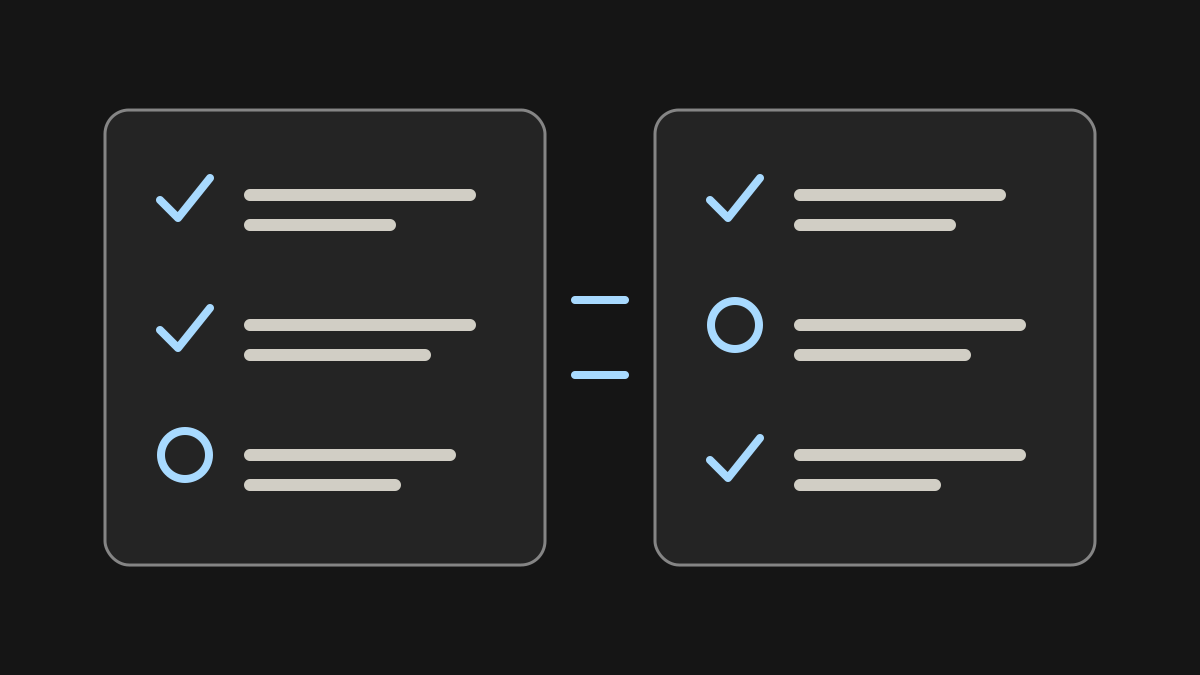
GPT-6 Astra is a model name, while Chat, Work, and Codex describe experiences around models and tools. The useful comparison is not which tab is smartest. It is which environment has the context, permissions, and review process needed to produce your result.
A game project makes the distinction concrete: discuss a rule, organize playtest evidence, then review a code change. Before choosing a workflow, play games on Elseland AI and note one interaction you would like to understand.
Quick read
Key takeaways
- A shared underlying model does not imply identical tools, limits, or availability.
- Work and Codex share usage; GPT-6 Pro in Chat has separate message limits.
- Choose the work environment first, then verify model and account access.
Separate the model from the place you use it
As checked on September 10, 2026, OpenAI says GPT-6 Pro in Chat is powered by Astra. Eligible Pro, Business, and Enterprise plans can have that Chat option. Plus includes Astra in Work and Codex, but not GPT-6 Pro in Chat. Eligibility, workspace controls, client, and rollout still matter. (OpenAI)
These names do not establish that every interface exposes the same settings. Think of the model as one component: the surrounding product decides what context is available, which tools can run, and how the user reviews the result.
Start with three questions: what information is needed, what actions are permitted, and what evidence will prove completion? An answer based on an uploaded brief is different from a change made inside a repository. Even if both involve Astra, the second task also depends on the checked-out files, installed dependencies, executable tools, and your approval boundaries.
Write these constraints before selecting a more demanding setting. If a task cannot find a design file, additional reasoning will not replace that file. Ask the assistant to identify missing inputs first and separate what it observed from what it inferred. This prevents an apparently detailed response from concealing a context gap.
Chat is a useful starting point for an answer
Use a conversational workflow when the desired deliverable is an explanation, critique, draft, or discussion and the required material is available there. For example, ask for a critique of a one-page design brief before anyone changes a project.
That is a workflow recommendation, not a claim that Chat cannot use tools. The important boundary is what the current interface can access and do. Do not assume it can inspect local files merely because a desktop coding task can.
For a game-design discussion, supply the player goal, available actions, loss condition, and intended session length. A useful request is: “Review this tutorial for ambiguous instructions. For each issue, quote the instruction, explain the likely misunderstanding, and propose a shorter alternative. Do not invent features that are absent from the brief.”
Evaluate that response against the game rather than its fluency. Does the proposed wording match the actual control? Does it reveal a mechanic before the player can use it? A text critique can produce hypotheses for the next playtest, but it does not establish that players will understand the tutorial or enjoy the game.
Work is for tasks across information and apps
OpenAI describes Work as a way to gather context, act, and produce useful output. A research brief built from approved files and connected apps is a natural scenario. The task still needs a clear destination, source requirements, and a definition of completion. (OpenAI)
Specify whether the agent should only draft or also change something. Access to an app does not by itself authorize sending a message, editing a shared document, or publishing a result. Ask for a preview when a mistake could affect other people.
For a playtest synthesis, provide only approved notes and specify the output fields: observed problem, evidence location, affected interaction, uncertainty, and suggested follow-up. Keep direct observations separate from suggestions. “A player restarted three times” and “the level is too difficult” are different kinds of information; the latter needs interpretation.
Set a narrow action boundary: prepare a draft issue list, but do not create tickets or contact participants. Review the draft for duplicate reports, missing context, and unsupported severity labels before moving it into a shared system. This proposed workflow is useful only if the necessary files or app connections are actually available in your environment.
Codex fits repository-centered work
For a coding task, the project checkout, repository instructions, commands, and reviewable changes are central. Use Codex when completion depends on understanding code, implementing a scoped change, and running relevant verification—not just writing a plausible snippet.
A useful handoff names the repository, starting state, expected behavior, prohibited changes, and checks that must pass. A screenshot of a working demo does not establish that the code builds cleanly or survives a regression test.
For a concrete coding evaluation, try a restart bug in a small test project. Describe the reproduction steps, expected reset behavior, engine version, and files that may change. Ask for an explanation before the patch, then request a small diff and the exact checks performed. Keep unrelated refactoring outside the task.
Check more than whether the project compiles. Does restarting clear the score and temporary state? Does it preserve settings that should survive? Can the same bug be reproduced after the patch? If the engine or test runner cannot execute in the environment, require that limitation in the handoff and run the missing checks yourself before accepting the change.
Check access and usage in the correct place
The current official guidance says Work and Codex share an allowance. GPT-6 Pro in Chat has separate message limits. Switching between Work and Codex therefore does not create fresh capacity, and access in one product does not automatically grant every Astra-branded option elsewhere. (OpenAI)
Check the signed-in account, workspace, visible model control, and Settings → Usage. If a model is missing, verify current plan and workspace eligibility, then update and restart the relevant client. A public model page is not evidence that a particular account can use it.
Separate an access problem from a task problem. A missing option calls for checking the account and workspace. A task that cannot read its input calls for checking context and permissions. An unsatisfactory answer calls for inspecting the brief and the result. Treating all three as a need for a different model can obscure the actual cause.
Keep a small task record when comparing environments: date, visible model label, supplied material, allowed actions, requested output, and checks completed. This is a record-keeping template, not a consumption benchmark. It helps distinguish an interface difference from a change in the task, and gives you concrete information when asking for support.
Choose by the deliverable you need to review
For an explanation, request a concise answer with sources. For an app-based task, request an artifact and a list of actions taken. For a repository change, request the diff, verification results, and remaining risks. This makes the choice practical instead of turning it into an unsupported model ranking.
For a proposed GPT-6 Astra game-production workflow, begin with one interaction rather than an entire game. A restart loop is a useful evaluation case: the player loses, receives understandable feedback, and returns to a valid starting state. Describe that behavior in a short brief before asking for design advice or code.
Move between environments only when the next deliverable requires it: an approved design note, an evidence-backed issue list, then a reviewable patch. Carry the decisions and acceptance criteria forward explicitly. Do not assume another conversation has inherited the files, permissions, or conclusions from the previous one.
Use a final acceptance checklist: the behavior matches the brief; the change stays within scope; available automated checks pass; a person has played the affected interaction; and any untested platform or unresolved issue is recorded. These are suggested evaluation steps, not results of a benchmark. They do not imply that Elseland uses Astra or offers a game-making feature.
| Environment | Useful reviewable deliverable |
|---|---|
| Chat | An explanation or critique with sources |
| Work | An artifact and record of approved actions |
| Codex | A diff, checks, and remaining risks |
Frequently asked questions
Is GPT-6 Pro in Chat unrelated to Astra?
No. OpenAI identifies it as powered by Astra, while maintaining separate product availability and limits.
Does Plus include GPT-6 Pro in Chat?
The checked guidance says it does not. It distinguishes that option from Astra access in Work and Codex.
Will Work and Codex give me two allowances?
No. The official guidance describes a shared usage allowance.
Is Work only for non-coding tasks?
Do not treat these recommendations as hard feature restrictions. Choose the environment whose context and tools fit the deliverable.
Can Chat see my local repository automatically?
Do not assume so. Verify the context and permissions available in the interface you are using.
Why does a colleague see a different model picker?
Account, workspace, client, and rollout can differ. Check actual controls rather than copying another person's eligibility assumptions.
Does tool access mean permission to publish?
No. State the action boundary explicitly and retain approval for consequential changes.
Was this a head-to-head performance test?
No. It is a documentation-based comparison of work environments, not a benchmark or speed ranking.
Sources and further reading
- Managing usage with GPT-6 Astra in Work and Codex
Official documentation; checked 2026-09-10.
- Overview
Official documentation; checked 2026-09-10.
- Models
Official documentation; checked 2026-09-10.
Next step